How Much Does Computer Repair Cost in Mountain View?
A Guide to Computer Repair Prices, Common Services, and What Affects the Cost
If your computer suddenly stops working, one of the first questions you're likely to ask is: "How much will computer repair cost?"
The answer depends on what's wrong with the device. A simple software problem may require relatively little work, while a damaged motherboard, failing storage drive, or extensive data recovery can require significantly more time and specialized equipment.
For residents and businesses in Mountain View, California, computer repair costs can also vary based on the type of device, parts required, technician expertise, and complexity of the repair.
The good news is that a malfunctioning computer doesn't automatically mean you need to purchase a new one. A professional diagnostic can determine whether the issue can be repaired affordably or whether replacement would make more financial sense.
Quick Fix Computer Services provides computer diagnostics, repairs, upgrades, virus removal, data recovery, and other technology services for customers in Mountain View and surrounding Bay Area communities.
How Much Does Computer Repair Usually Cost?
There Isn't One Fixed Price for Every Computer Problem
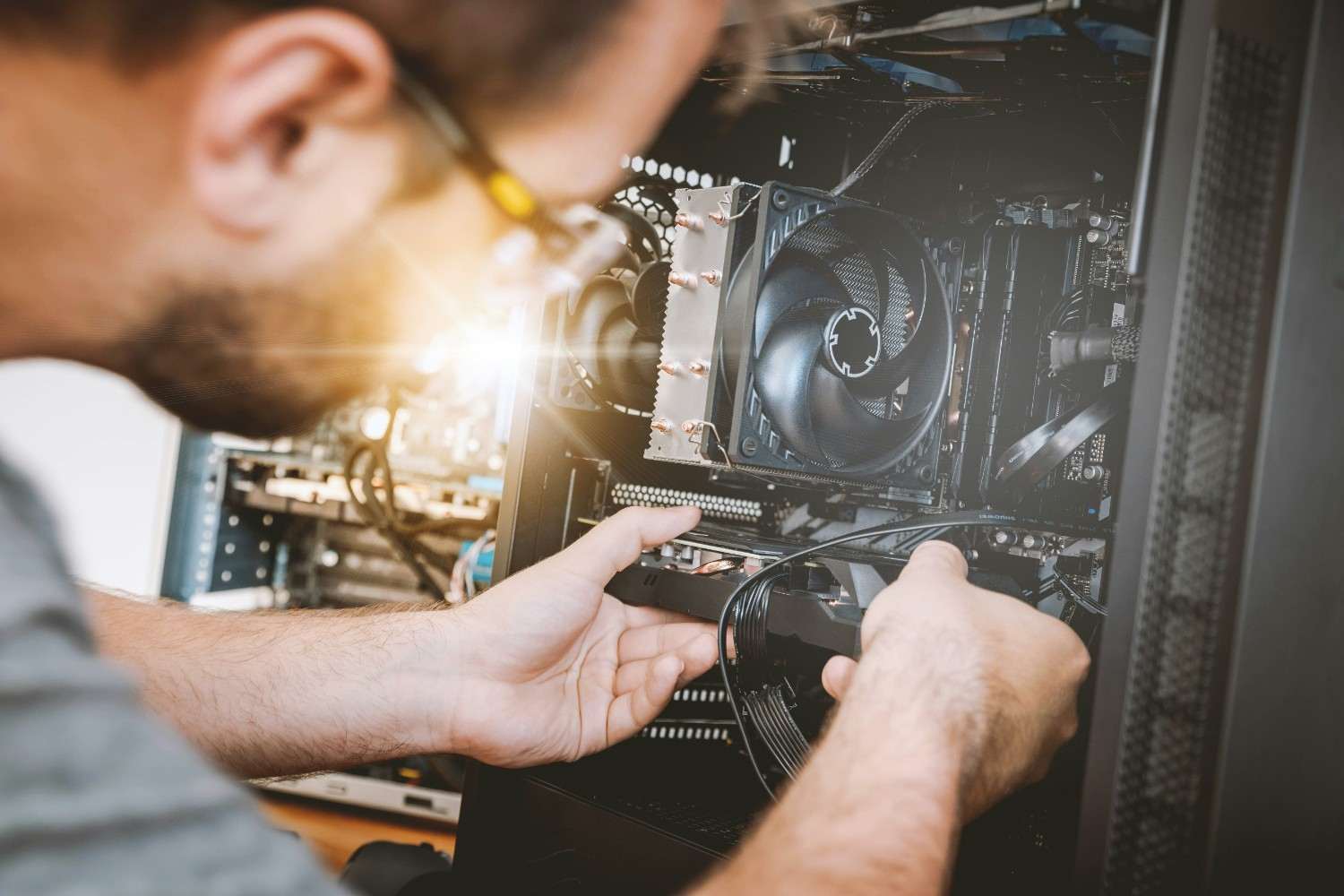
Computer repair doesn't have a universal price because every repair is different. The total cost generally depends on the problem, the device, the parts needed, and the amount of technician time required.
A computer that simply needs software troubleshooting can be very different from a laptop with a broken display or a desktop with a failed motherboard.
Some repairs involve troubleshooting and configuration, while others require physical replacement of components.
The most reliable way to understand the cost is to have the computer diagnosed first. Once the underlying problem is identified, a technician can explain the available repair options and whether repairing the device makes sense.
What Determines the Cost of Computer Repair?
Several Factors Influence the Final Price
The cost of repairing a computer depends on several factors rather than simply the brand or age of the device.
Type of Problem
A software issue, malware infection, hardware failure, or physical damage can each require a different repair process.
Parts Required
Some repairs require replacement components such as SSDs, batteries, screens, charging ports, RAM, fans, or other hardware.
Device Type
A desktop computer may have different repair requirements from a laptop, Mac, or all-in-one computer.
Labor and Complexity
A straightforward component replacement may take less time than diagnosing an intermittent motherboard or operating system problem.
Device Age
Older computers may require more specialized parts or may have limited upgrade options. In some cases, the cost of repairing an older computer may make replacement a more practical choice.
Data Recovery
If the computer has a failing or damaged storage device and important files need to be recovered, data recovery may involve additional work and specialized processes.
Common Computer Repair Services and What Affects Their Cost
Different Repairs Require Different Levels of Work
Instead of focusing only on an average repair price, it's more useful to understand the types of services that can affect the final cost.
Computer Diagnostics
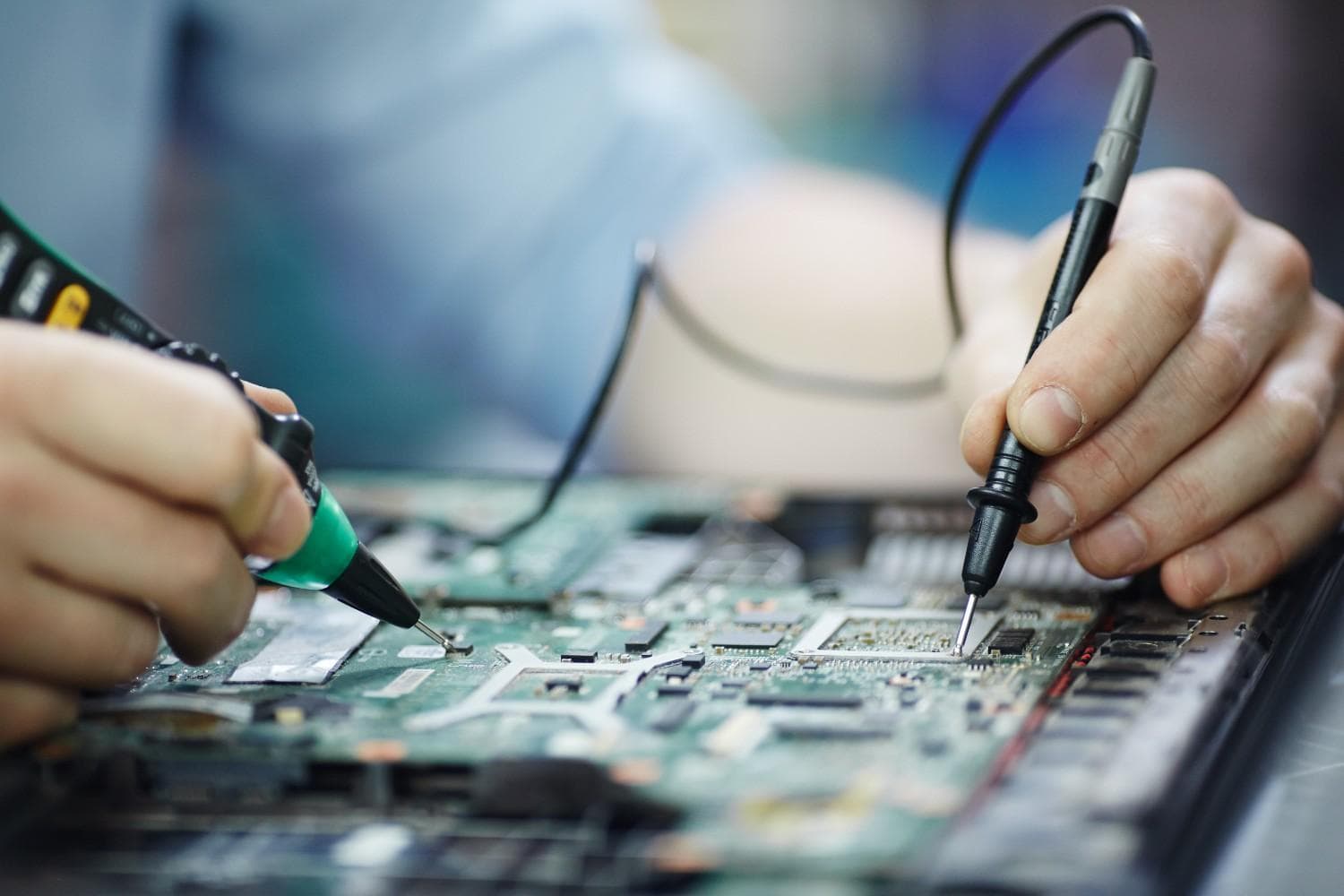
A diagnostic identifies the underlying cause of a computer problem. This is an important first step because symptoms don't always reveal the actual cause.
For example, a computer that is running slowly could have a failing hard drive, insufficient RAM, malware, excessive background applications, or an aging operating system.
Quick Fix Computer Services offers a free diagnostic allowing customers to determine what's wrong before deciding how to proceed.
Virus and Malware Removal
Malware can affect computer performance, browser behavior, system security, and personal information. Removing an infection may involve scanning, identifying malicious software, cleaning affected areas, and checking system settings.
Simple infections may be easier to resolve, while persistent or complicated infections can require more extensive troubleshooting.
Laptop Screen Repair
A cracked or malfunctioning laptop display may require screen replacement. Pricing can vary significantly depending on the laptop model and the type of display required.
Battery Replacement
Laptop batteries can naturally lose capacity over time. If your device shuts down unexpectedly, loses charge quickly, or only works when connected to power, the battery may need replacement.
SSD or RAM Upgrade
Performance problems don't always require buying a new computer. Upgrading storage or memory may provide a significant improvement for compatible devices.
An SSD upgrade can make an older computer feel considerably more responsive, particularly when replacing a traditional hard drive.
Data Recovery
Data recovery is a specialized service designed to retrieve files from storage devices that are damaged, corrupted, inaccessible, or failing.
The complexity of the problem determines the level of work required, so data recovery costs can vary considerably.
Why You Should Get a Diagnostic Before Asking for a Repair Price
The Same Symptom Can Have Multiple Causes
Imagine your computer won't turn on.
That symptom alone doesn't tell you whether the problem is the charger, battery, power supply, motherboard, display, or another component.
Similarly, a computer that keeps crashing could have a software conflict, overheating problem, failing storage drive, malware infection, or hardware failure.
A diagnostic helps identify the root cause rather than treating only the visible symptom.
That's why Quick Fix Computers encourages customers to start with a diagnostic whenever the cause of a computer problem isn't clear.
With a free diagnostic, you can better understand:
What is wrong with the computer
Whether the problem is hardware or software
What repair options are available
Whether replacement parts are required
Whether repairing the computer is worthwhile
Does Mountain View Location Affect Computer Repair Cost?
Silicon Valley Has a Unique Technology Environment
Mountain View is located in the heart of Silicon Valley, where businesses, startups, professionals, students, and households depend heavily on technology.
Local computer repair services may involve different operating costs, technician expertise, parts availability, and service requirements than repair markets in other areas.
Customers in Mountain View may also use a wide variety of devices, including Windows PCs, MacBooks, business laptops, desktops, and specialized equipment.
For businesses, downtime can be particularly expensive. A computer that prevents an employee from accessing business applications, files, communication tools, or customer information can affect productivity.
For that reason, the cheapest repair isn't always the best option. Reliability, data protection, technician expertise, and turnaround time should also be considered.
Computer Repair vs. Buying a New Computer
When Does Repair Make More Financial Sense?
Repairing an existing computer can be worthwhile when the device is otherwise in good condition and the problem is relatively straightforward.
For example, replacing a battery, upgrading an SSD, or repairing a charging issue may extend the useful life of a computer for considerably less than purchasing an entirely new device.
Replacement may make more sense when the computer is severely outdated, has multiple major hardware failures, lacks compatible parts, or requires repairs that approach the cost of a suitable replacement.
The right decision depends on the computer's age, condition, performance, repair requirements, and your current needs.
A professional diagnostic can help you compare those options before spending money.
How to Avoid Unexpected Computer Repair Costs
Ask the Right Questions Before Approving a Repair
You don't have to be a technology expert to understand what you're paying for.
Before approving computer repair, ask:
What is causing the problem?
What needs to be repaired or replaced?
Are replacement parts required?
Is the repair worthwhile compared with replacement?
Could there be additional problems discovered during repair?
Is there a warranty on the repair or replacement part?
Will my personal data be affected?
Clear communication helps you understand what you're paying for and prevents unnecessary repairs.
When Is Professional Computer Repair Worth It?
Complex Problems Are Better Handled by Experienced Technicians
Some computer problems may appear simple but can become more complicated when you attempt to fix them without knowing the underlying cause.
Professional repair can be particularly valuable for:
Failing hard drives or SSDs
Malware infections
Data recovery
Liquid damage
Motherboard problems
Repeated system crashes
Hardware upgrades
Business-critical computers
A professional technician can diagnose the problem, determine whether the device is repairable, and explain the available options.
This can be especially important when the computer contains irreplaceable personal photographs, financial documents, business files, or other valuable information.
Why Choose Quick Fix Computers in Mountain View?
Local Computer Repair and Technology Support
For customers in Mountain View and surrounding Bay Area communities, Quick Fix Computers provides professional technology services for common and complex computer problems.
Services include:
Computer repair
Laptop repair
Mac repair
Virus removal
Data recovery
Device repair
Hardware upgrades
Software troubleshooting
Water damage repair
Computer diagnostics
Rather than assuming every problem requires a replacement computer, the goal is to identify the actual issue and provide a practical recommendation.
Whether your laptop is slow, your desktop won't turn on, your Mac is experiencing errors, or your computer has been affected by malware, a professional diagnostic can provide a clearer starting point.
Free Computer Diagnostic in Mountain View
Find Out What's Wrong Before You Spend Money
If you're worried about the potential cost of computer repair, the first step doesn't have to be approving an expensive repair.
Quick Fix Computers offers a free diagnostic to help identify the problem with your computer.
The diagnostic can help determine whether your device needs a repair, upgrade, software troubleshooting, virus removal, data recovery, or potentially replacement.
This gives Mountain View customers an opportunity to make a more informed decision based on the actual condition of their device.
Instead of asking, "How much will it cost to fix?", the better first question is:
"What's actually wrong with my computer?"
Once that is known, the repair options become much clearer.
Conclusion
So, how much does computer repair cost in Mountain View?
There isn't a single price that applies to every computer. Costs depend on the type of problem, device, parts required, repair complexity, technician time, and whether specialized services such as data recovery are necessary.
A simple software problem or hardware upgrade may be relatively straightforward, while motherboard damage or complex data recovery can require significantly more work.
Before deciding to repair or replace your computer, getting an accurate diagnosis is one of the best ways to avoid unnecessary expenses.
For residents and businesses in Mountain View, Palo Alto, Sunnyvale, Cupertino, Santa Clara, San Jose, Redwood City, and surrounding Bay Area communities, Quick Fix Computers provides computer repair, laptop repair, Mac repair, virus removal, data recovery, and diagnostic services.
If you're experiencing computer problems and don't know what they will cost to fix, start with a free diagnostic from Quick Fix Computers. Find out what's wrong first, then make an informed decision about repair or replacement.
FAQs
How much does computer repair cost in Mountain View, CA?
Computer repair costs in Mountain View, California, depend on the type of problem, computer model, replacement parts, and labor required. Software troubleshooting may require less work than hardware replacement or data recovery. Quick Fix Computer Services offers free diagnostics to help identify the issue and determine the available repair options before you approve paid work.
How much does laptop repair cost in Mountain View?
Laptop repair costs depend on the specific issue, model, and parts required. Common repairs include screen replacement, battery replacement, keyboard repair, overheating fixes, and hardware upgrades. Quick Fix Computer Services provides laptop repair in Mountain View, CA, with a free diagnostic to help determine the repair needed and its cost.
Where can I get affordable computer repair in Mountain View, California?
Quick Fix Computer Services provides computer, laptop, and Mac repair in Mountain View, California, with free diagnostics and a 90-day repair warranty. Our technicians assess the problem and explain your repair options so you can make an informed decision before proceeding.
Does Quick Fix Computer Services offer free computer diagnostics?
Yes. Quick Fix Computer Services offers free diagnostics to identify common computer and laptop problems. A diagnostic can help determine whether your device needs software troubleshooting, virus removal, hardware repair, an upgrade, or data recovery.
What factors affect the cost of computer repair?
Computer repair costs depend on the type of problem, device model, replacement parts, labor, repair complexity, and data recovery requirements. For example, replacing a laptop screen differs from troubleshooting a motherboard failure. A professional diagnostic helps identify the cause and the appropriate repair.
Is it cheaper to repair a computer or buy a new one?
Repairing a computer can be more affordable when the problem is limited to a replaceable component, software issue, or upgrade. Replacing the computer may make more sense if it has multiple major hardware failures, limited parts availability, or outdated performance. Quick Fix Computer Services can assess your device and help you understand your repair options.
How much does computer virus removal cost?
Computer virus removal costs vary depending on the type of malware, severity of the infection, and amount of troubleshooting required. Quick Fix Computer Services provides virus and malware removal services in Mountain View, CA. A diagnostic helps determine the appropriate cleanup and repair process.
How much does computer data recovery cost?
Computer data recovery costs depend on the storage device, the type of failure, and whether the data is corrupted, inaccessible, or physically damaged. Quick Fix Computer Services evaluates affected storage devices and recommends appropriate recovery options. Recovery success depends on the condition of the device and the nature of the damage.
How much does a computer hardware upgrade cost?
Computer hardware upgrade costs depend on the component and device compatibility. Common upgrades include SSD storage, RAM, batteries, and cooling components. Quick Fix Computer Services can assess your computer and recommend compatible upgrades based on its condition and performance needs.
How long does computer repair take in Mountain View?
Computer repair turnaround time depends on the problem, parts availability, and repair complexity. Quick Fix Computer Services offers same-day service for many common repairs, although complex hardware issues and data recovery may take longer. Contact the shop to discuss your device and expected turnaround time.
Does Quick Fix Computer Services offer a warranty on computer repairs?
Yes. Quick Fix Computer Services provides a 90-day repair warranty. Ask the team about the coverage applicable to your specific repair and any replacement parts.
Where is Quick Fix Computer Services located?
Quick Fix Computer Services is located at 1398 W El Camino Real E, Mountain View, CA 94040. The shop provides computer, laptop, Mac, virus removal, and data recovery services for customers in Mountain View and surrounding Bay Area communities.
Should I get a computer diagnostic before paying for repairs?
Yes. A diagnostic can help identify the underlying problem before you spend money on a repair. Symptoms such as slow performance, repeated crashes, or failure to turn on can have several causes. Quick Fix Computer Services offers free diagnostics to help customers understand the issue and evaluate their repair options.
Need Device Repair? Visit Quick Fix Computers for a free diagnostic.
Need Help?
Our technicians are here to help with any tech issue. Free diagnostics on all repairs.
Schedule a Repair