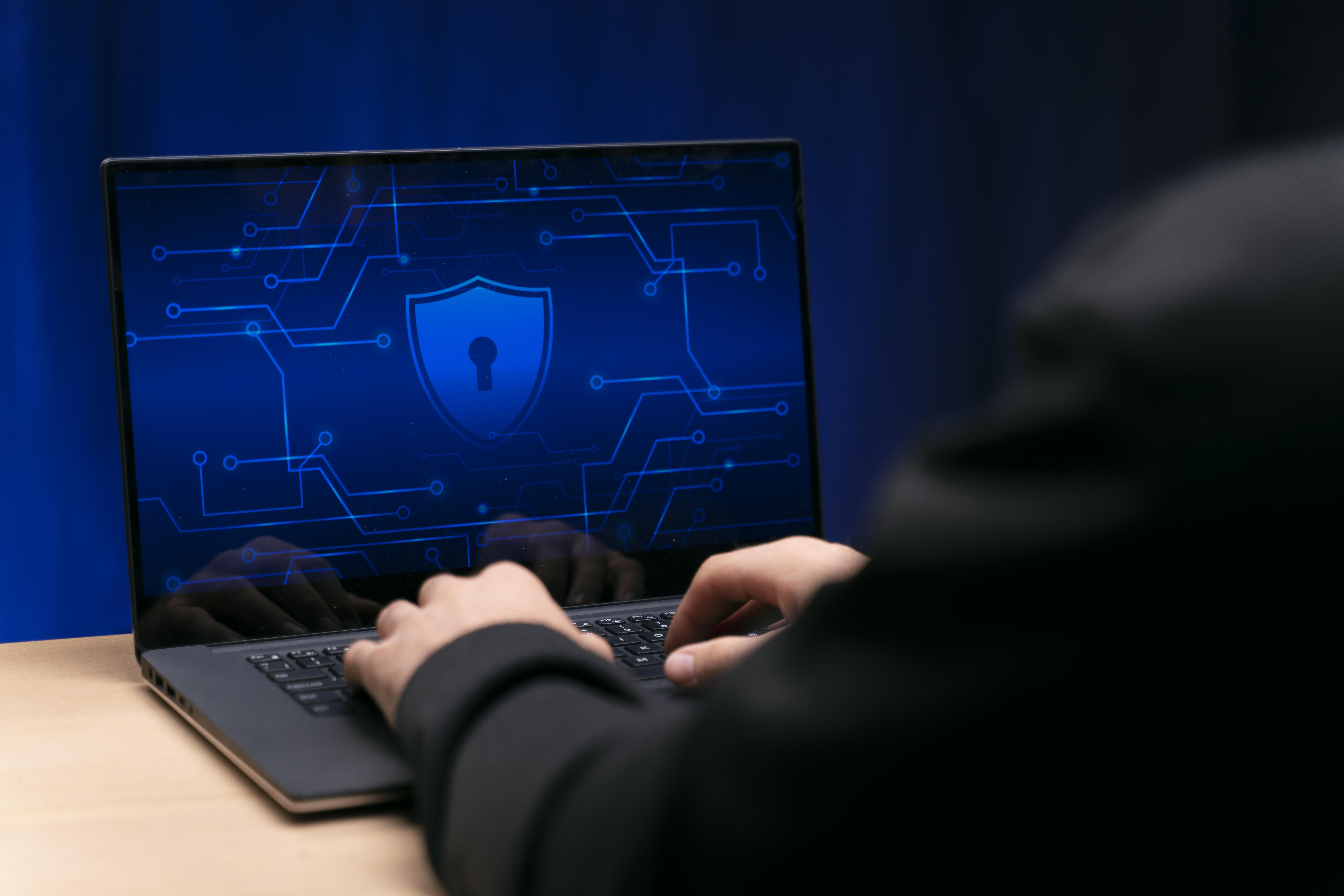
Essential Tips for Effective Malware Protection
Malware threats are more common than ever. From phishing emails to malicious downloads, cybercriminals constantly search for ways to infect computers, laptops, and mobile devices. The good news is that protecting your devices does not require advanced technical knowledge.
By developing a few smart habits and using reliable tools, you can significantly reduce the risk of malware infections. The following malware protection tips will help you secure your devices, safeguard your data, and browse the internet with confidence.
Understanding Malware and Why Protection Matters
Malware is a general term used to describe malicious software designed to damage devices, steal data, or gain unauthorized access to systems. It includes viruses, spyware, ransomware, and other harmful programs.
Much like pests in a house, malware can spread quickly once it enters a system. Strong malware prevention practices help block these threats before they cause serious damage. Recognizing suspicious activity, using reliable security software, and maintaining updated systems are key steps in protecting your devices.

How to Spot a Phishing Scam Before You Click
Phishing scams are one of the most common ways malware spreads. Cybercriminals send emails or messages that appear to come from trusted organizations such as banks, delivery services, or online platforms. These messages attempt to trick users into clicking malicious links or revealing sensitive information.
Before clicking any link, watch for these warning signs:
Urgent language: Messages that say “act now” or threaten account suspension
Generic greetings: Phrases like “Dear Customer” instead of your name
Poor grammar or spelling mistakes
Suspicious links or sender addresses
If you receive a suspicious message, avoid clicking the link. Instead, visit the company’s official website directly to verify the information. This simple habit can prevent many malware infections.
How to Spot a Phishing Scam Before You Click
Phishing scams are one of the most common ways malware spreads. Cybercriminals send emails or messages that appear to come from trusted organizations such as banks, delivery services, or online platforms. These messages attempt to trick users into clicking malicious links or revealing sensitive information.
Before clicking any link, watch for these warning signs:
Urgent language: Messages that say “act now” or threaten account suspension
Generic greetings: Phrases like “Dear Customer” instead of your name
Poor grammar or spelling mistakes
Suspicious links or sender addresses
If you receive a suspicious message, avoid clicking the link. Instead, visit the company’s official website directly to verify the information. This simple habit can prevent many malware infections.
Use Anti-Malware Software for Active Protection
While safe browsing habits are important, every device also needs reliable anti-malware software. These tools actively monitor your system and block threats before they cause damage.
Modern security software typically provides:
Malware and virus detection
Real-time protection against threats
Secure web browsing filters
System scans and malware removal tools
Some free security tools are designed primarily for removing existing infections, while paid versions often provide continuous protection and advanced security features.
Regardless of which software you choose, keeping it updated and running regular scans is essential for effective malware protection.
Use Anti-Malware Software for Active Protection
While safe browsing habits are important, every device also needs reliable anti-malware software. These tools actively monitor your system and block threats before they cause damage.
Modern security software typically provides:
Malware and virus detection
Real-time protection against threats
Secure web browsing filters
System scans and malware removal tools
Some free security tools are designed primarily for removing existing infections, while paid versions often provide continuous protection and advanced security features.
Regardless of which software you choose, keeping it updated and running regular scans is essential for effective malware protection.
The Importance of Software Updates
Software updates are one of the simplest yet most effective ways to improve device security. These updates often contain patches that fix vulnerabilities discovered by security experts.
When updates are ignored, cybercriminals can exploit these weaknesses to spread malware.
To stay protected:
Enable automatic updates on your computer and phone
Update apps regularly
Install operating system updates as soon as they become available
Keeping software updated ensures that your device remains protected against newly discovered threats.

The Importance of Software Updates
Software updates are one of the simplest yet most effective ways to improve device security. These updates often contain patches that fix vulnerabilities discovered by security experts.
When updates are ignored, cybercriminals can exploit these weaknesses to spread malware.
To stay protected:
Enable automatic updates on your computer and phone
Update apps regularly
Install operating system updates as soon as they become available
Keeping software updated ensures that your device remains protected against newly discovered threats.
What to Do If Your Device Is Infected
If you suspect your computer or phone has malware, acting quickly can prevent further damage.
Follow these steps:
Disconnect from the internet to stop the malware from spreading.
Run a full system scan using trusted anti-malware software.
Remove detected threats according to the software’s instructions.
Seek professional help if the problem continues.
Professional virus removal services can diagnose complex infections and safely remove malware from computers, laptops, and mobile devices.
Your Quick Cybersecurity Checklist
Maintaining strong digital security does not require complicated tools. Following a few simple habits can greatly reduce your risk of malware infections.
Remember these essential practices:
Be cautious of suspicious emails and messages
Use strong and unique passwords for every account
Enable Two-Factor Authentication when possible
Keep anti-malware software active and updated
Install software updates regularly
Back up important files frequently
These simple habits create strong protection against malware and help keep your devices safe.
Need Help?
Our technicians are here to help with any tech issue. Free diagnostics on all repairs.
Schedule a Repair