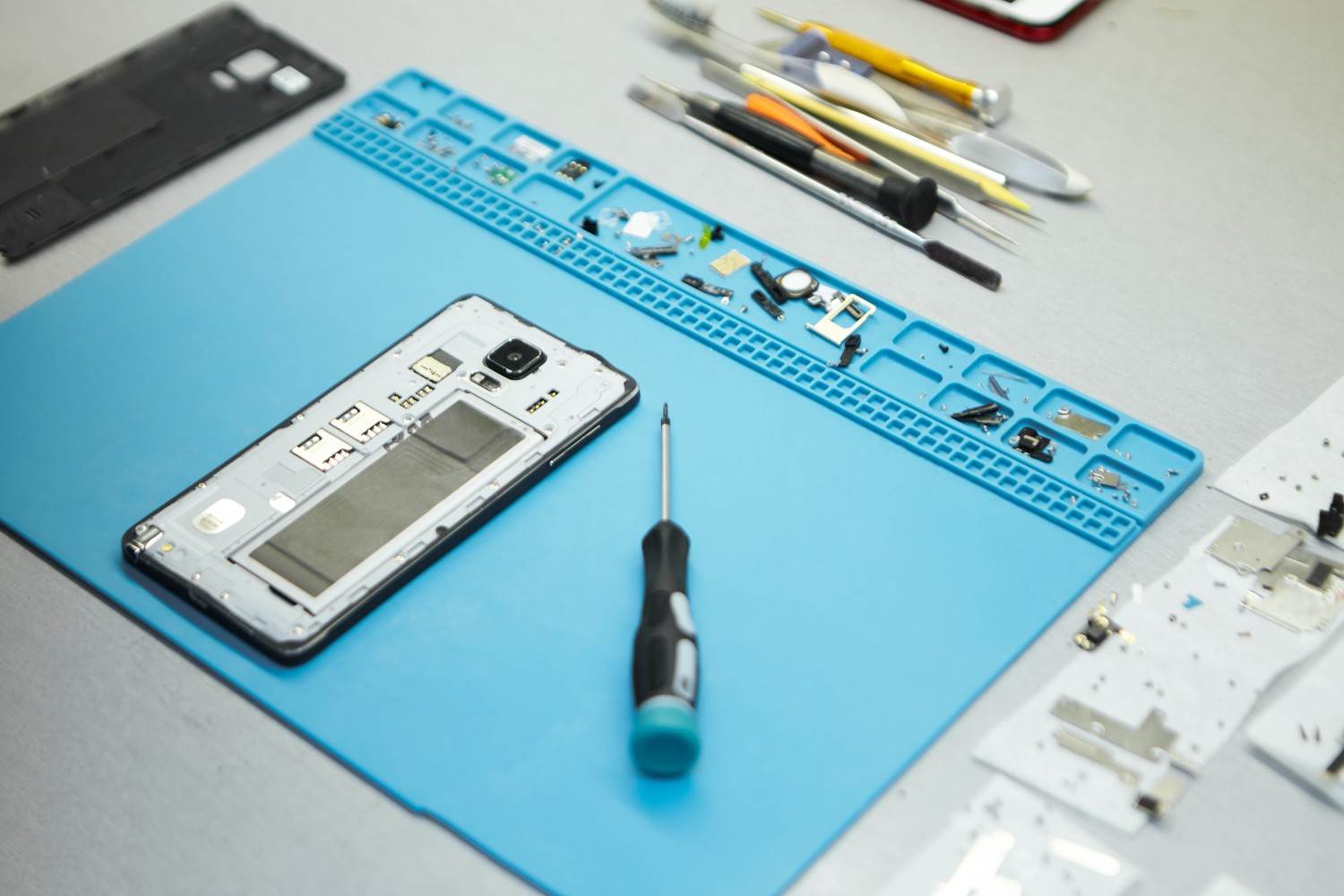
How to Extend the Lifespan of Your Apple Devices
Practical Tips to Keep Your iPhone, iPad, Mac, and Apple Devices Working Longer
Apple devices are designed to provide years of use, but how long an iPhone, iPad, MacBook, or other Apple device remains reliable depends heavily on how it is used and maintained.
Battery wear, excessive heat, storage limitations, physical damage, outdated software, and neglected hardware problems can all shorten the useful life of a device. The good news is that many of these problems can be prevented or addressed before they become major failures.
For Apple users in Mountain View, California, where smartphones and computers are an important part of both personal and professional life, extending the life of your existing devices can also help reduce unnecessary replacement costs.
Quick Fix Computers provides Apple device repair, Mac repair, diagnostics, data recovery, and other technology services for customers throughout Mountain View and the surrounding Bay Area.
Here are practical ways to get more useful years out of your Apple devices.
1. Keep Your Apple Device Updated
Software Updates Can Support Security, Performance, and Compatibility
One of the simplest ways to maintain an Apple device is to keep its operating system and applications updated. Apple regularly releases software updates that can include security fixes, performance improvements, bug fixes, and new features.
For iPhones and iPads, this means keeping iOS and iPadOS current when your device supports the available version. Mac users should similarly keep macOS updated when compatible.
Updates can also help applications remain compatible with newer services and security standards.
Before installing a major update, however, make sure you have a current backup. Older devices can also have different compatibility limitations, so it's important to understand whether your particular model supports the update.
Keeping software current is not a substitute for hardware maintenance, but it is an important part of extending the practical lifespan of an Apple device. Apple itself recommends keeping its devices updated as part of battery and performance maintenance
2. Protect Your Battery Health
Battery Aging Is Normal, but Your Habits Can Affect It
Rechargeable batteries naturally lose capacity over time. Apple explains that battery lifespan is influenced by factors including temperature history and charging patterns, meaning battery aging isn't determined simply by how many years you've owned a device.
Modern Apple devices include features designed to manage charging and reduce unnecessary battery aging. For example, Optimized Battery Charging can reduce the amount of time an iPhone spends fully charged.
You don't need to wait until your battery reaches zero before charging. Apple states that it's safe to charge an iPhone overnight and that the device automatically manages charging when fully charged.
If your device increasingly shuts down unexpectedly, drains much faster than it used to, or requires frequent charging, the battery may be reaching the point where professional replacement is worth considering.
A battery replacement can sometimes extend the useful life of an otherwise functional iPhone, iPad, or MacBook rather than requiring you to replace the entire device.
3. Keep Apple Devices Away From Excessive Heat
Heat Is One of the Biggest Threats to Battery Longevity
Temperature is particularly important for Apple device owners in California. Leaving an iPhone or MacBook inside a hot vehicle, exposing it to direct sunlight, or charging it in an excessively hot environment can accelerate battery aging.
Apple recommends an ambient operating range of 32°F to 95°F (0°C to 35°C) for iPhone and iPad, while MacBook devices have a recommended operating range of 50°F to 95°F (10°C to 35°C). Apple also warns that exposure above 95°F can permanently reduce battery capacity.
If your device becomes unusually hot while charging, consider removing a case that may be trapping heat and move the device to a cooler environment.
Avoid trying to rapidly cool an overheated device with extreme methods. Instead, allow it to return gradually to a normal temperature.
For Mountain View users, this is particularly relevant during hot California days and when transporting electronics in parked vehicles.
4. Protect Your Screen and Physical Components
Preventing Damage Is Easier Than Repairing It
Screens are among the most vulnerable components on smartphones and tablets. A protective case and quality screen protector can reduce the likelihood of damage from everyday drops and impacts.
But physical protection isn't limited to the display.
Charging ports can collect dust and debris. Cables can become damaged. Cameras can develop scratches or cracks. MacBook hinges and ports can also experience physical wear with frequent use.
Avoid forcing cables into charging ports and don't use damaged chargers or cables. Keep devices away from liquids and avoid carrying them unprotected alongside keys or other objects that could scratch the screen.
If a screen cracks or a charging port starts becoming unreliable, don't ignore the problem. A small hardware issue can sometimes become more disruptive if continued use causes additional damage.
5. Keep Storage Under Control
Low Storage Can Affect How You Use Your Device
As an Apple device fills with photographs, videos, applications, downloads, and other files, managing storage becomes increasingly important.
Regularly review your storage and remove applications or files you no longer need. Photos and videos can consume significant space, particularly when recorded at high resolutions.
Cloud storage can help move certain files away from the device while keeping them accessible, but users should still maintain appropriate backups for important information.
On Macs, large downloads, old applications, temporary files, and unused media can accumulate over time.
Keeping adequate free storage makes it easier to manage your device and can help prevent situations where you're unable to install important updates or save new files.
6. Back Up Your Apple Devices Regularly
A Longer Device Lifespan Also Means Protecting the Data on It
A device can be repaired or replaced. Your personal data may be much harder to replace.
Photos, documents, contacts, messages, and work files should be backed up regularly. Depending on the device and your setup, this may involve iCloud, a Mac or PC backup, an external storage device, or a combination of methods.
A backup becomes particularly important if your device is damaged, lost, stolen, or suddenly stops working.
Consider a MacBook with a failing storage device. The hardware might eventually be replaceable, but recovering files from a severely damaged drive can be much more complicated.
Regular backups give you a better recovery option if something goes wrong.
7. Don't Ignore Small Problems
Minor Symptoms Can Become Major Hardware Problems
One of the easiest ways to shorten the useful life of an Apple device is to ignore warning signs.
If your iPhone suddenly becomes unusually hot, your MacBook repeatedly shuts down, your charging port stops working reliably, or your screen develops unusual behavior, don't simply continue using the device indefinitely.
Other warning signs can include:
Unexpected shutdowns
Rapid battery drain
Repeated crashes
Overheating
Charging interruptions
Screen flickering
Unusual noises from a Mac
Swollen batteries
Liquid exposure
Not every symptom indicates a serious failure. But early diagnosis can prevent you from turning a relatively manageable problem into a much more expensive repair.
8. Repair Your Apple Device Before Replacing It
A Single Failed Component Doesn't Necessarily Mean You Need a New Device
When an Apple device develops a problem, many people immediately start looking at replacement models.
But if the rest of the device is still performing well, repair may be the more practical option.
For example, a battery replacement can extend the useful life of an older iPhone. A screen repair can restore a phone or iPad that is otherwise working normally. A MacBook experiencing storage or battery problems may benefit from professional repair or maintenance.
Repairing an existing device can also reduce electronic waste and allow you to continue using hardware you're already familiar with.
The important question isn't simply "How old is my device?" but "Is the device still capable of meeting my needs after this repair?"
9. Know When a Battery Needs Professional Attention
Battery Problems Shouldn't Be Ignored
Battery degradation is expected, but certain battery symptoms require more attention.
If a device's battery appears swollen, causes the screen or chassis to separate, becomes unusually hot, or behaves unpredictably, stop using the device and seek professional assistance.
A damaged lithium-ion battery can present safety concerns, so attempting to open or replace it yourself may not be appropriate.
For Mac laptops, Apple also provides battery health management features designed to reduce chemical aging by considering factors such as temperature history and charging patterns.
Professional evaluation can determine whether the battery needs replacement or whether another hardware issue is responsible for the symptoms.
10. Get Professional Diagnostics Before Replacing an Apple Device
Find Out What Is Actually Wrong
A slow Mac isn't necessarily an old Mac. An iPhone that won't charge doesn't necessarily need to be replaced. A device that won't turn on may have a repairable hardware or software problem.
Professional diagnostics can help distinguish between these possibilities.
A technician can evaluate the device's hardware, software, battery condition, storage, charging system, and other components to determine the most appropriate next step.
Quick Fix Computers offers a free diagnostic to help customers understand what may be wrong with their Apple devices before committing to a repair or replacement.
This can be particularly useful when you're unsure whether the cost of repairing an older device is justified.
11. Why Choose Quick Fix Computers in Mountain View?
Local Apple Device and Computer Repair Support
For residents and businesses in Mountain View and the surrounding Bay Area, local repair support can make maintaining Apple devices more convenient.
Quick Fix Computer Services is a local computer repair provider at 1398 W El Camino Real in Mountain View, offering computer repair services in the area.
Quick Fix Computers can help with a range of technology problems, including:
iPhone and smartphone repair
iPad and tablet repair
Mac repair
Laptop repair
Computer repair
Virus removal
Data recovery
Water damage repair
Hardware troubleshooting
Device diagnostics
Whether you're dealing with a failing battery, damaged screen, charging problem, slow Mac, or another device issue, getting a professional assessment can help you determine whether repair can extend the device's useful life.
Free Diagnostic: Find Out If Your Apple Device Can Be Repaired
Don't Replace a Working Device Because of One Problem
If your Apple device has started slowing down, overheating, losing battery capacity, or experiencing another hardware problem, you don't necessarily need to purchase a replacement.
A free diagnostic from Quick Fix Computers can help identify the underlying problem and determine whether repair is a practical option.
This can be especially valuable for older MacBooks and iPhones where the decision between repair and replacement isn't immediately obvious.
A professional assessment can help answer:
Is the battery the problem?
Can the screen or charging port be repaired?
Is the device overheating?
Is the storage failing?
Can the device's performance be improved?
Is repair more practical than replacement?
Getting those answers before purchasing a new device can save money and extend the useful life of technology you already own.
Apple Device Maintenance in Mountain View
Small Habits Can Add Years of Useful Life
Extending the lifespan of an Apple device doesn't require complicated maintenance. Keeping software updated, protecting the battery from excessive heat, managing storage, backing up data, protecting physical components, and addressing problems early can all contribute to longer device life.
Apple's own guidance emphasizes software updates, temperature management, charging optimization, and appropriate storage practices as ways to support battery longevity.
For Mountain View residents, these habits are particularly useful because smartphones and computers often play a central role in work, education, communication, and everyday activities.
And when something does go wrong, professional repair can sometimes extend the device's useful life without requiring a complete replacement.
Conclusion
Apple devices can remain useful for many years when they are properly maintained. The key is to look after both the software and hardware while addressing problems before they become more serious.
Keep your operating system updated, protect your battery from excessive heat, use charging optimization features, manage storage, back up important data, and protect your device from physical damage.
Most importantly, don't assume that an aging or malfunctioning device needs to be replaced immediately.
A battery can be replaced. A damaged screen can often be repaired. A charging problem may have a straightforward solution. A slow Mac may need maintenance rather than replacement.
For customers in Mountain View, Palo Alto, Sunnyvale, Cupertino, Santa Clara, San Jose, Redwood City, and surrounding Bay Area communities, Quick Fix Computers can help diagnose and repair Apple devices and determine whether extending their useful life is practical.
If your iPhone, iPad, MacBook, or other Apple device isn't performing the way it used to, consider a free diagnostic from Quick Fix Computers before purchasing a replacement.
Frequently Asked Questions
How can I extend the lifespan of my iPhone?
Keep iOS updated, avoid excessive heat, use charging optimization features, protect the screen and charging port, manage storage, back up your data, and address battery or hardware problems when they appear.
How long can an Apple device last?
There is no single lifespan for every Apple device. Actual longevity depends on the model, usage, battery condition, software compatibility, physical condition, and whether repairs or upgrades are practical.
Does charging overnight damage an iPhone battery?
Apple states that iPhones are designed to stop charging when fully charged and that it's safe to charge an iPhone overnight. Optimized Battery Charging is designed to reduce the amount of time the device spends fully charged.
Does heat damage an iPhone battery?
Yes. Apple recommends avoiding use or charging in ambient temperatures above 95°F (35°C), as excessive heat can permanently reduce battery lifespan.
Should I repair or replace my old MacBook?
It depends on the MacBook's condition, age, performance, battery health, repair requirements, and software compatibility. A professional diagnostic can help determine whether repair is worthwhile.
Can Quick Fix Computers repair Apple devices in Mountain View?
Yes. Quick Fix Computers provides computer and device repair services in Mountain View, including support for Apple devices. A diagnostic can help determine the appropriate repair option.
Does Quick Fix Computers offer a free diagnostic?
Yes. Quick Fix Computers offers a free diagnostic to help customers determine what's wrong with their device before deciding whether to repair or replace it.
Need Help?
Our technicians are here to help with any tech issue. Free diagnostics on all repairs.
Schedule a Repair