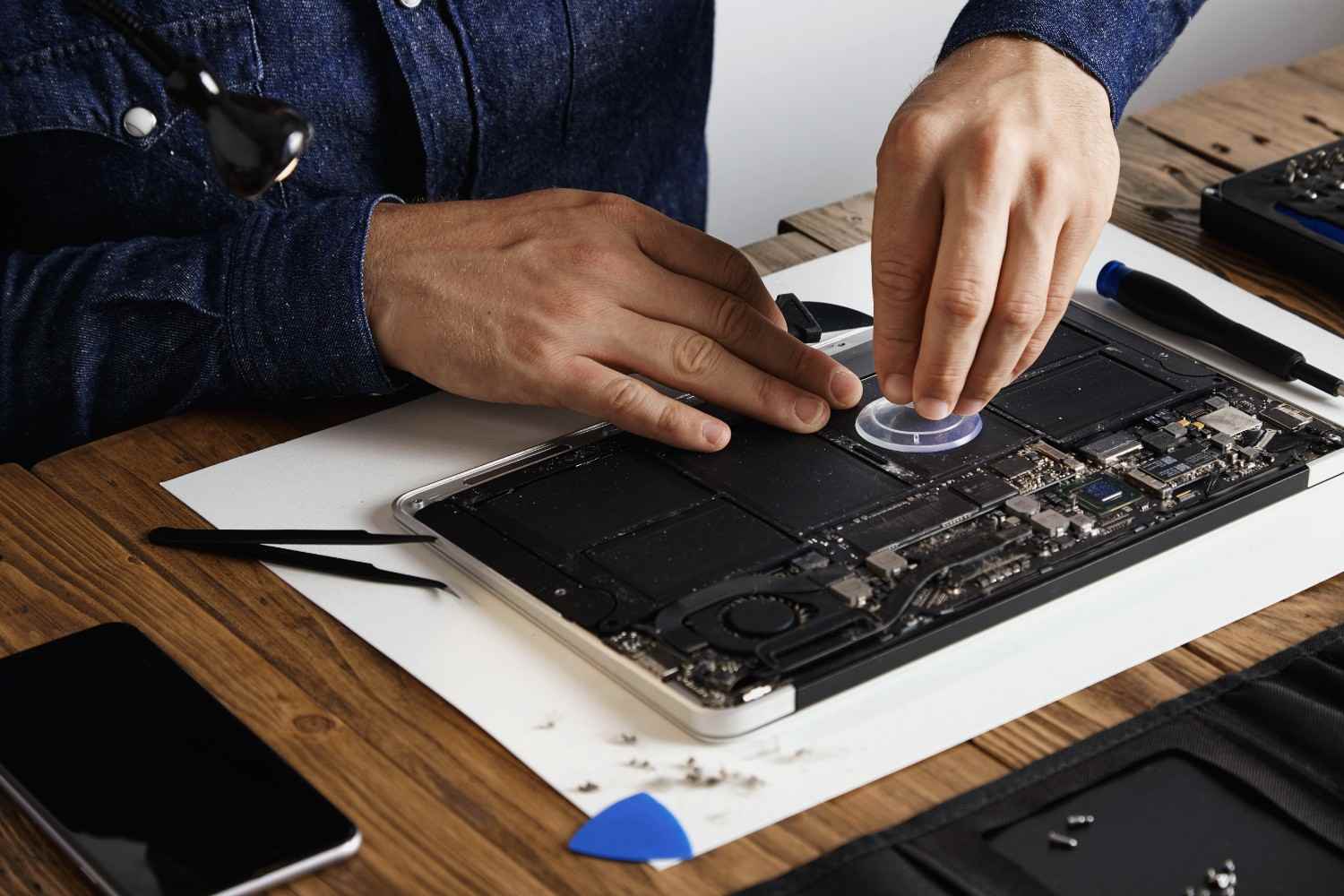
How to Safely Erase Personal Data Before Recycling
Protect Your Information Before Getting Rid of an Old Computer, Phone, or Tablet
Recycling an old computer, smartphone, tablet, or hard drive is a responsible way to keep electronics out of landfills. But before you hand over an unwanted device, there is one important step that shouldn't be overlooked: protecting the personal information stored on it.
Deleting a few files isn't necessarily enough to remove your data. Old devices may contain saved passwords, photos, financial documents, browser information, emails, customer records, and other sensitive information.
For residents and businesses in Mountain View, California, properly preparing electronics before recycling is especially important because computers and mobile devices often contain years of personal or business information.
Whether you're replacing an old MacBook, upgrading a smartphone, or getting rid of an outdated hard drive, taking time to properly erase the device can reduce the risk of your information falling into the wrong hands.
Quick Fix Computer Services provides computer repair, Mac repair, data recovery, device repair, virus removal, and related technology services for customers in Mountain View and surrounding Bay Area communities.
Why Should You Erase Personal Data Before Recycling Electronics?
Recycling a Device Doesn't Automatically Protect the Information Stored on It
When you recycle an electronic device, the hardware may eventually be processed, refurbished, resold, or dismantled.
If personal information remains accessible on the storage device, simply giving the device to a recycler doesn't guarantee that your information has been removed.
This is why data protection should happen before the device leaves your possession.
The safest approach is to back up anything you need, sign out of important accounts, remove device associations, and use the appropriate secure erase or reset process for the device.
What Happens to Your Data After You Recycle a Device?
Your Old Device Can Still Contain Valuable Information
An old computer may contain far more information than you realize.
A device that hasn't been used for months can still contain:
Photos and videos
Saved browser passwords
Email accounts
Tax documents
Financial information
Personal documents
Business files
Customer information
Wi-Fi credentials
Application data
Deleting files manually doesn't necessarily provide the same protection as properly erasing or resetting the device.
The process required depends on the operating system, device type, and storage technology.
What Personal Information Can Remain on an Old Device?
Deleted Doesn't Always Mean Permanently Gone
People often assume that moving a file to the Recycle Bin or Trash permanently destroys it.
In many situations, deleting a file simply removes its normal reference from the operating system. Depending on the storage technology and how the deletion was performed, information may potentially remain recoverable.
That is particularly important when recycling old hard drives, external storage devices, USB drives, or computers containing sensitive information.
For devices containing highly sensitive personal or business data, professional data-erasure or destruction services may provide additional assurance.
Back Up Important Data Before Erasing Anything
Data Recovery Becomes Much More Difficult After a Secure Wipe
Before erasing an old device, make sure you have copied anything you want to keep.
This could include photos, documents, contacts, financial records, school projects, work files, or other information.
Cloud storage, an external drive, or another backup method can be used depending on your needs.
The most important rule is simple:
Don't erase the original device until you've confirmed that the information you need exists somewhere else.
If the device is already failing, consider professional data recovery before attempting to erase it.
Quick Fix Computer Services can help determine whether important information can be recovered from a damaged or non-working computer before you recycle it.
Sign Out of Accounts Before Recycling
Disconnect the Device From Your Digital Accounts
Erasing local files is only one part of preparing a device for recycling.
You should also consider accounts associated with the device.
Depending on the device, this may include:
Apple Account
Microsoft account
Google account
Email accounts
Cloud storage
Password managers
Device-tracking services
Removing the device from your accounts can help prevent future ownership or activation problems and ensures that the device is no longer unnecessarily associated with your personal information.
How to Erase a Windows PC Before Recycling
Use Windows' Built-In Reset Options
Windows provides built-in reset functionality that can remove personal files and reinstall Windows.
When preparing a Windows computer for disposal, users should select the reset option designed to remove personal files and, where available, use the option intended for cleaning the drive.
The exact steps vary depending on the Windows version and device configuration.
Before resetting, confirm that your important files have been backed up and that you have the information needed to reinstall or reactivate software you intend to keep using.
For business computers, additional considerations may apply if the device contains customer information, employee data, or company records.
How to Erase a Mac Before Recycling
Use macOS Erase Options Appropriate for Your Mac
The process for erasing a Mac depends on its model and macOS version.
Newer Macs may offer Erase All Content and Settings, while older models may require using macOS Recovery and Disk Utility.
Apple recommends using the appropriate erase process for the Mac before selling, giving away, or trading it in.
Before starting the process, make sure important files have been backed up and that you understand what information will be removed.
If you're unsure which process applies to your MacBook or iMac, a professional can identify the model and help determine the correct approach.
How to Erase an iPhone or iPad
A Factory Reset Removes Your Personal Content From the Device
Apple provides an Erase All Content and Settings option for preparing an iPhone or iPad for transfer or disposal.
Before erasing an iPhone or iPad, back up important information and make sure you understand how your Apple Account and device association are being handled.
Apple recommends backing up the device and then using the appropriate erase process before selling, giving away, or trading it in.
This is especially important if you're moving from an older iPhone to a newer model and want to preserve photos, contacts, messages, and other information.
How to Erase an Android Phone or Tablet
Use the Device's Factory Reset Process
Android devices can vary significantly between manufacturers and software versions.
Most provide a factory-reset function through the Settings application.
Before performing the reset, make sure important data has been backed up and that you know which Google account or other accounts are associated with the device.
If the phone contains sensitive information or is being prepared for resale or recycling, verify that the reset completed successfully before handing the device over.
For older devices with unusual software configurations, professional assistance can help ensure the appropriate reset process is used.
What About USB Drives, External Hard Drives, and SD Cards?
Small Storage Devices Can Contain Just as Much Sensitive Information
Don't forget about removable storage.
USB flash drives, external hard drives, memory cards, and portable SSDs can contain personal photos, work documents, backups, and other sensitive information.
If you're recycling or disposing of one, deleting the visible files may not be enough for highly sensitive information.
The appropriate secure-erasure method depends on the type of storage device and its technology.
For organizations disposing of multiple storage devices, a documented data-destruction process can provide greater control and accountability.
Is a Factory Reset Enough to Protect Your Data?
It Depends on the Device and the Information You Are Protecting
A factory reset is generally the appropriate consumer process for preparing many modern smartphones and computers for a new owner.
However, businesses and organizations may have more stringent requirements for handling sensitive information.
The storage technology also matters.
Modern devices often use encryption and secure erase mechanisms that change how data removal works compared with older hard disk drives.
For a personal device containing ordinary information, the manufacturer's recommended reset process may be appropriate.
For sensitive business data, regulated information, or large-scale equipment disposal, professional data-erasure or destruction procedures may be more appropriate.
What If the Device Doesn't Turn On?
Don't Assume a Broken Device Is a Data-Free Device
A computer that won't start can still contain all of your information.
A failed screen, dead battery, damaged charging port, or other hardware problem doesn't necessarily mean the storage device has been erased.
In fact, a non-working device can create an additional challenge because you may not be able to access the operating system's normal reset tools.
If important data is stored on the device, consider data recovery before recycling.
Quick Fix Computer Services can diagnose the device and help determine whether the data can be accessed before you make a final decision about disposal.
When Should You Use Professional Data Destruction?
Sensitive Information May Require More Than a Standard Reset
Professional data destruction or secure erasure can be particularly relevant for businesses disposing of equipment containing sensitive information.
Examples may include:
Customer records
Financial information
Employee data
Confidential business documents
Proprietary files
Healthcare-related information
Business backups
The appropriate process depends on the organization, type of data, storage media, and applicable requirements.
Businesses should also consider maintaining records of equipment disposal and data destruction where their policies or compliance obligations require documentation.
How Quick Fix Computers Can Help
Diagnose, Recover, Repair, or Prepare Your Device for Disposal
Not every old computer should immediately go to recycling.
Sometimes the device can be repaired. Sometimes important data needs to be recovered first. In other cases, securely erasing the storage is the most appropriate next step.
Quick Fix Computer Services can help Mountain View customers determine what should happen before an old device leaves their possession.
Depending on the situation, support may include:
Mac repair
Data recovery
Device troubleshooting
Storage-related assistance
Secure preparation for device disposal
The goal is to make sure you don't accidentally lose important information or leave personal data behind.
Free Diagnostic Before Recycling
Find Out What Is on the Device Before You Get Rid of It
If you're unsure whether an old computer contains important files, whether the device can be repaired, or how to prepare it for recycling, a diagnostic can help.
Quick Fix Computer Services offers a free diagnostic to help identify device problems and determine the appropriate next step.
This can be particularly useful when an old computer:
Won't turn on
Has a damaged screen
Has a failing hard drive
Contains important files
Is too slow to use
Has suffered liquid damage
Needs to be prepared for recycling
A diagnostic can help you decide whether the device should be repaired, recovered, securely erased, or recycled.
Electronics Recycling in Mountain View, California
Protect Your Data Before Your Electronics Leave Your Hands
Mountain View residents and businesses regularly upgrade computers, phones, tablets, and other technology.
Before taking an old device to an electronics recycling location, make data protection part of the recycling process.
For businesses, this should be part of a documented equipment-disposal policy.
For individuals, the process can be as simple as:
Back up → Sign out → Erase → Verify → Recycle.
If you're uncertain about any step, professional assistance can help reduce the risk of accidentally exposing personal information.
Quick Fix Computer Services serves customers in Mountain View and surrounding Bay Area communities, providing computer repair, Mac repair, data recovery, and other technology services.
Conclusion
Recycling old electronics is a responsible choice, but recycling should never begin before you've considered what's stored on the device.
Personal computers, smartphones, tablets, hard drives, USB drives, and memory cards can contain years of personal or business information.
Before recycling:
Back up important information.
Sign out of important accounts.
Remove the device from associated services where appropriate.
Use the manufacturer's recommended erase or reset process.
Consider professional data destruction for sensitive information.
Verify that important data is safely stored elsewhere.
If the device doesn't work, don't assume your information is inaccessible. A broken computer can still contain recoverable data.
For Mountain View residents and businesses, Quick Fix Computer Services offers a free diagnostic to help determine whether an old device should be repaired, have its data recovered, securely erased, or prepared for recycling.
Protect your information first. Recycle the hardware second.
Frequently Asked Questions
How do I safely erase personal data before recycling a computer?
Back up important files, sign out of accounts, use the operating system's recommended reset or secure-erase process, and verify that your information has been removed before recycling the computer.
Is deleting files enough before recycling a computer?
Not necessarily. Simply deleting files may not provide the same level of protection as properly resetting or securely erasing a device.
Should I factory reset my phone before recycling it?
Yes. Back up important information, sign out or remove the device from your accounts as appropriate, and use the manufacturer's recommended factory-reset process.
How do I wipe a Mac before recycling?
The appropriate process depends on the Mac model and macOS version. Newer Macs may support Erase All Content and Settings, while older Macs may require macOS Recovery and Disk Utility.
What should I do if my computer won't turn on before recycling?
Don't recycle it immediately. The storage device may still contain your files. Consider a professional diagnostic or data recovery service before disposing of the computer.
Can data be recovered from a recycled hard drive?
Depending on how the data was erased and the type and condition of the storage device, previously deleted information may potentially be recoverable. Sensitive information should therefore be securely erased or professionally destroyed before disposal.
Do businesses need professional data destruction?
Businesses handling sensitive or regulated information may benefit from professional data-erasure or destruction procedures, particularly when disposing of multiple devices.
Does Quick Fix Computers offer data recovery?
Yes. Quick Fix Computer Services provides data recovery and related computer services for customers in Mountain View and surrounding Bay Area communities.
Does Quick Fix Computers offer a free diagnostic?
Yes. Quick Fix Computer Services offers a free diagnostic to help determine whether a device should be repaired, recovered, securely erased, or prepared for disposal.
Need Device Repair? Visit Quick Fix Computers for a free diagnostic.
Need Help?
Our technicians are here to help with any tech issue. Free diagnostics on all repairs.
Schedule a Repair