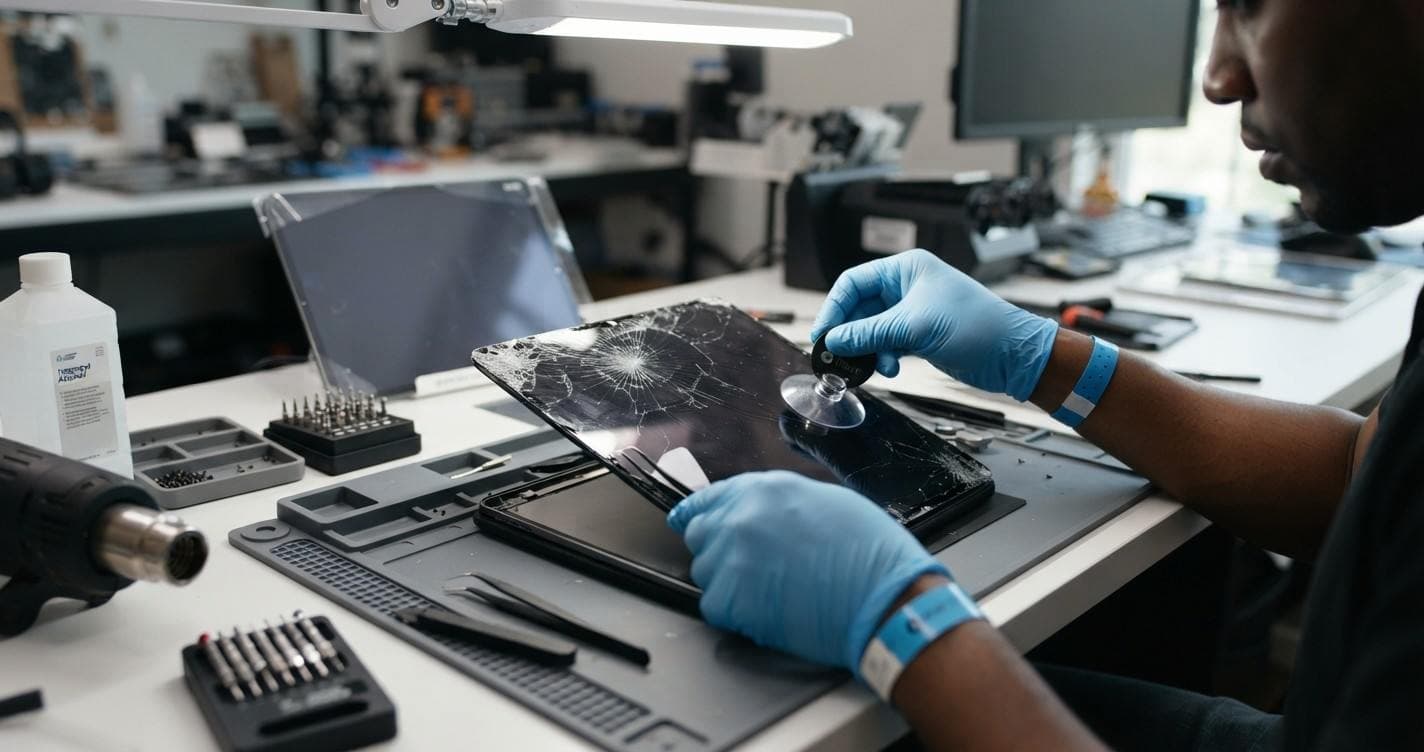
iPad Screen Replacement: Repair Options for Every iPad Model
A cracked iPad screen can disrupt everything from everyday browsing and entertainment to studying, creative projects, and professional work. Whether your device has shattered glass, an unresponsive touchscreen, or display issues, the right repair depends on your iPad model and the extent of the damage.
Before investing in a new device, it is worth understanding your repair options. Standard iPad, iPad Air, iPad mini, and iPad Pro models have different screen designs and replacement requirements. Some issues may involve the front glass, while others require a complete display assembly replacement.
If you are looking for iPad screen replacement in Mountain View, CA, Quick Fix Computer Services can help identify the problem and recommend an appropriate repair. With free diagnostics and professional device repair services, you can understand your options before deciding what to do next.
Common iPad Screen Problems That Require Repair
Not every damaged iPad screen has the same underlying problem. While some issues are immediately visible, others can affect the display or touchscreen without causing noticeable cracks.
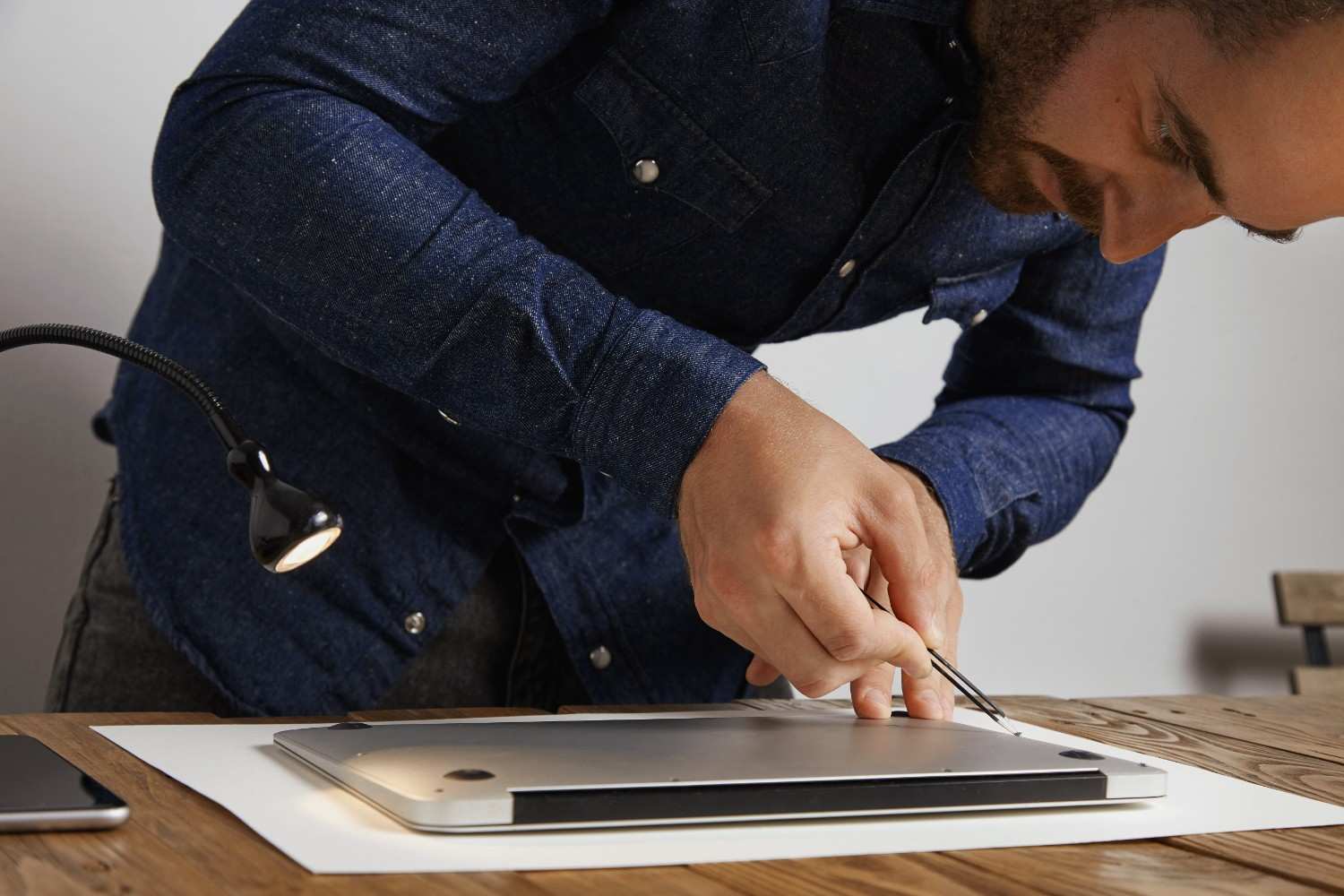
Here are some common problems that may require professional iPad screen repair.
1. Cracked or Shattered Screen
Accidental drops, impacts, and pressure can crack or shatter an iPad's front glass. Even if the display underneath still works, damaged glass can make the device uncomfortable or unsafe to use.
Small cracks can also spread over time, potentially affecting touchscreen functionality.
2. Unresponsive Touchscreen
If your iPad does not respond to taps, swipes, or gestures, the digitizer or another internal component may be damaged. You might notice certain areas of the screen becoming unresponsive or experiencing unexpected touch inputs.
A professional diagnostic can help determine whether the issue is related to the screen assembly or another hardware or software problem.
3. Black Screen or Display Failure
An iPad that powers on but displays a black screen may have a display-related problem. Other possible causes include internal hardware faults or battery and power issues.
A diagnostic is important before assuming the screen needs replacement.
4. Screen Flickering, Lines, or Discoloration
Horizontal or vertical lines, flickering, dark spots, and unusual colors can indicate display damage. These problems may appear after an impact or develop because of an internal component failure.
Depending on the issue, the device may require display repair or replacement.
5. Screen Lifting or Separation
If the screen begins separating from the iPad's frame, do not attempt to press it back into place. Battery swelling is one possible cause and can create a safety risk.
Stop using or charging the device if you suspect battery swelling and arrange a professional inspection.
iPad Screen Replacement Options for Every Model
Apple offers several iPad product families, each with different screen sizes, technologies, and hardware configurations. The appropriate repair depends on the exact model and generation.
Standard iPad Screen Replacement
Standard iPad models are commonly used for browsing, streaming, studying, video calls, and everyday productivity.
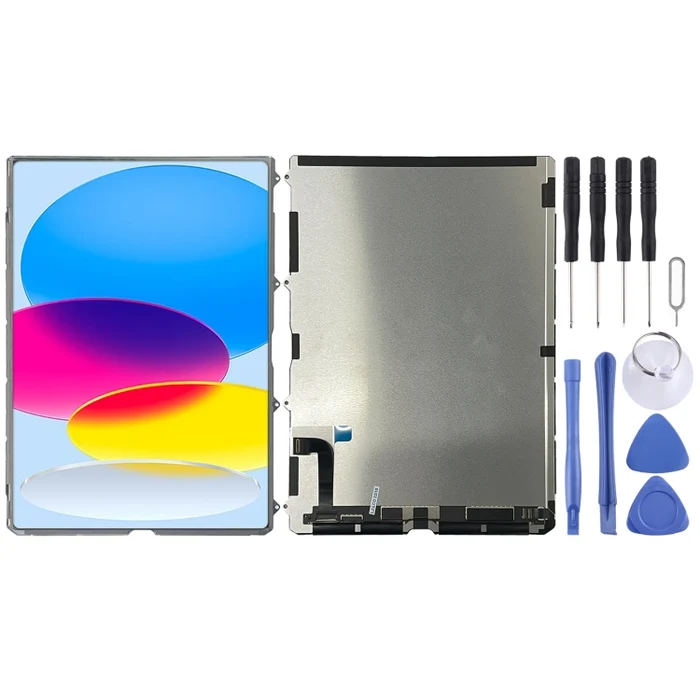
Common screen-related problems include:
Cracked or shattered front glass
Unresponsive touchscreen
Display discoloration or dead pixels
Black screen or display failure
Damage following accidental drops
Depending on the iPad generation, the front glass, digitizer, and LCD may have different repair configurations. A technician should evaluate the device to determine whether a glass repair or complete display replacement is necessary.
iPad Air Screen Replacement
The iPad Air combines portability with performance, making it popular among students, professionals, and everyday users.

Common repair concerns include:
Cracked display glass
Touchscreen sensitivity issues
Display flickering or lines
Black spots or visible screen damage
Screen damage following accidental impact
Different iPad Air generations use different display assemblies. Identifying the exact model is important when determining compatible replacement parts and repair requirements.
iPad mini Screen Replacement
The compact iPad mini is frequently used for reading, note-taking, travel, and portable entertainment. Its smaller size does not make it immune to accidental damage.
Common screen problems include:
Cracked or chipped glass
Touchscreen responsiveness issues
Display abnormalities
Screen damage caused by pressure or drops
Because replacement requirements vary between iPad mini generations, professional evaluation helps determine the appropriate repair approach.
iPad Pro Screen Replacement
The iPad Pro is designed for demanding professional and creative tasks, including digital illustration, graphic design, video editing, and multitasking.
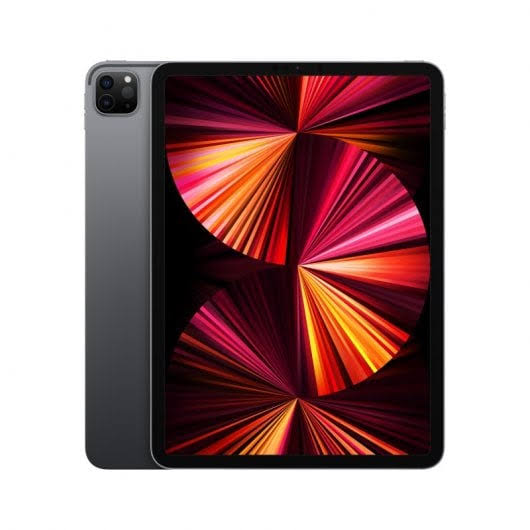
Depending on the generation, iPad Pro models feature different display technologies, including Liquid Retina and Ultra Retina XDR.
Common screen issues include:
Cracked or shattered displays
Touchscreen functionality problems
Flickering or display lines
Dead pixels and discoloration
Black screens following physical damage
Screen replacement requirements can vary significantly between 11-inch and larger iPad Pro models, as well as across generations. Display technology, component compatibility, and the extent of the damage all influence the repair process.
What to Do Before Getting Your iPad Screen Replaced
Taking a few precautions before bringing your iPad in for repair can help protect your device and personal information.
1. Back Up Your Data
If the device is still functioning, create a backup using iCloud or a computer. This helps protect your photos, documents, applications, and other important information.
2. Avoid Pressing the Damaged Screen
Applying pressure to cracked glass can worsen the damage. Avoid attempting to push broken pieces back into place.
3. Check the Touchscreen and Display
If possible, note whether the touchscreen responds normally, whether the display has visible lines, or whether certain areas are completely unresponsive. This information can help during the initial assessment.
4. Keep the Device Away From Liquids
Cracked glass can compromise the screen's protective surface. Avoid exposing a damaged iPad to moisture.
5. Identify Your iPad Model
Knowing whether you own an iPad, iPad Air, iPad mini, or iPad Pro is helpful. The exact generation also matters because replacement parts and repair procedures differ.
6. Get a Professional Diagnostic
A professional evaluation can identify the actual cause of the problem and help determine whether the device needs a screen replacement or another type of repair.
Where to Get iPad Screen Replacement in Mountain View, CA?
If your iPad screen is cracked, unresponsive, or displaying unusual lines, choosing a reliable local repair provider can help you avoid unnecessary device replacement.
Quick Fix Computer Services provides phone and tablet repair in Mountain View, California, including repair support for:
Standard iPad models
iPad Air
iPad mini
iPad Pro
Depending on the device and the issue, common Apple device repairs include screen replacement, battery replacement, charging port repair, camera repair, and liquid-damage diagnostics.
Why Choose Quick Fix Computer Services?
When bringing in a damaged device, it is important to understand the problem and your available repair options before approving any work.
Quick Fix Computer Services offers:
Free Diagnostics: Have your device evaluated to identify the issue before proceeding with paid repairs.
Same-Day Service: Same-day service is available for many common repairs, depending on the device and parts availability.
Transparent Repair Recommendations: Understand the problem and receive a repair estimate before work begins.
90-Day Repair Warranty: Repairs are backed by a 90-day warranty.
No Fix, No Fee Guarantee: If the issue cannot be fixed, the no-fix, no-fee guarantee applies.
Visit Quick Fix Computer Services in Mountain View
Quick Fix Computer Services serves Mountain View and surrounding Bay Area communities, including Sunnyvale, Palo Alto, Cupertino, Los Altos, and nearby areas.
Store Address:
1398 W El Camino Real E, Suite E
Mountain View, CA 94040
Phone: (650) 968-2400
Ready to get your iPad checked? Visit the Quick Fix Computer Services repair shop or schedule a drop-off to have your device evaluated.
Frequently Asked Questions About iPad Screen Replacement
Can a cracked iPad screen be repaired without replacing the entire display?
It depends on the iPad model and its screen construction. Some models have repair configurations that allow separate glass or digitizer replacement, while others require a complete display assembly replacement.
How much does iPad screen replacement cost in Mountain View, CA?
The cost depends on your iPad model, generation, display type, and extent of damage. Quick Fix Computer Services provides free diagnostics and a repair estimate before proceeding with paid work.
Can you replace screens on iPad Air, iPad mini, and iPad Pro?
Quick Fix Computer Services provides repair support for standard iPad, iPad Air, iPad mini, and iPad Pro models. The available repair options depend on the specific generation and parts availability.
How long does an iPad screen replacement take?
Repair time depends on the iPad model, type of damage, and availability of replacement parts. Contact Quick Fix Computer Services for a turnaround estimate before visiting.
Will I lose my data during an iPad screen replacement?
Routine screen replacement generally does not require erasing your personal data. However, backing up your iPad before any repair is recommended whenever possible.
Is it worth repairing an older iPad with a cracked screen?
It can be, depending on the device's overall condition, performance, age, and repair cost. A professional diagnostic can help you compare the cost of repair with the price of replacing your device.
Where can I get professional iPad repair in Mountain View, CA?
You can visit Quick Fix Computer Services at 1398 W El Camino Real E, Suite E, Mountain View, CA 94040. The shop offers free diagnostics and repair support for iPad, iPad Air, iPad mini, and iPad Pro devices.
Get Your iPad Screen Checked at Quick Fix Computer Services
A damaged iPad screen does not always mean it is time for a new device. Understanding the problem and choosing the appropriate repair can help you make a more informed decision.
Whether you have a cracked iPad screen, an unresponsive touchscreen, or display problems, Quick Fix Computer Services can help you explore your repair options.
Visit our Mountain View repair shop for a free diagnostic and a professional repair recommendation.
Call (650) 968-2400 or schedule your repair online.
Need Help?
Our technicians are here to help with any tech issue. Free diagnostics on all repairs.
Schedule a Repair