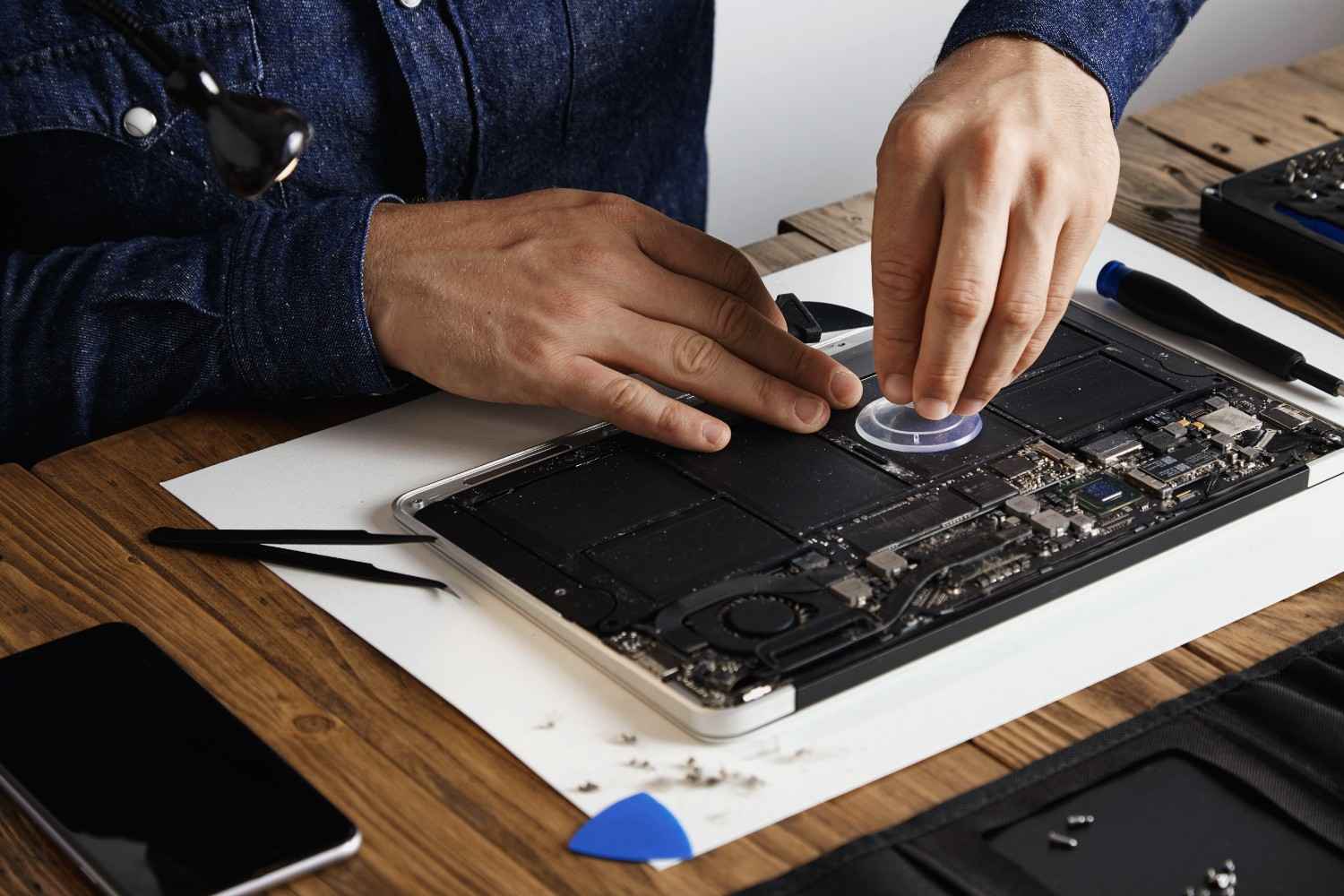
Mac Repair Services in Mountain View, CA: Logic Board Repairs, macOS Troubleshooting, Battery Replacements, and Performance Optimization
Introduction
Mac computers are known for their reliability, performance, and longevity. Whether you use a MacBook Air, MacBook Pro, iMac, Mac Mini, or Mac Pro, your Apple device likely plays a critical role in your daily productivity. From business operations and creative projects to remote work and education, Macs have become essential tools for both professionals and personal users.
However, even the most dependable Apple devices can experience technical issues over time. Logic board failures, macOS problems, battery degradation, and performance slowdowns are among the most common reasons Mac owners seek professional repair services.
At Quick Fix Computers in Mountain View, California, we provide expert Mac repair services for customers throughout the Bay Area. Our technicians diagnose complex Apple hardware and software issues, helping users extend the lifespan of their devices while avoiding unnecessary replacement costs.
This guide explores the most common Mac repair services and explains how professional diagnostics and repairs can restore your device's performance and reliability.
Understanding Common Mac Problems
Macs are sophisticated machines that combine advanced hardware with Apple's operating system. Because hardware and software are tightly integrated, even minor issues can affect overall performance.
Many Mac users initially notice symptoms such as slower performance, unexpected shutdowns, charging problems, startup failures, or application crashes. While these issues may appear unrelated, they often stem from one of four core areas:
Logic board failures
macOS software issues
Battery degradation
Performance-related hardware limitations
Identifying the root cause is essential for effective repair and long-term reliability.
MacBook Logic Board Issues
The Logic Board Is the Heart of Your Mac
The logic board is one of the most important components inside any MacBook. Often compared to a PC motherboard, the logic board connects and manages communication between critical components such as the processor, memory, storage, charging circuitry, display, and peripheral connections.
When the logic board develops a fault, the effects can range from minor instability to complete device failure.
Many customers who visit Quick Fix Computers in Mountain View are surprised to learn that symptoms like charging issues, startup failures, display problems, and random shutdowns often originate from the logic board itself.
Because modern MacBooks integrate many components directly into the board, professional diagnostics are essential for identifying the exact source of the problem.
Common Signs of Logic Board Failure
Logic board issues can manifest in several ways, making diagnosis challenging without specialized equipment.
Common symptoms include:
MacBook won't turn on
Device shuts down unexpectedly
Charging issues despite a working charger
No display or black screen
Overheating
Liquid damage symptoms
USB-C ports not functioning
Startup chimes without booting
In some cases, the problem may involve a damaged power circuit, failed chip, or liquid damage affecting specific components on the board.
Ignoring these symptoms can lead to further damage, making timely diagnosis particularly important.
Professional Logic Board Diagnostics and Repair
Logic board repair requires specialized knowledge, equipment, and experience.
At Quick Fix Computers, technicians perform comprehensive diagnostics to identify failed components and determine whether repair is possible. In many situations, board-level repairs can restore functionality without requiring a complete device replacement.
Professional repair often provides significant cost savings compared to purchasing a new MacBook, especially for newer Apple devices with high replacement costs.
For Mountain View professionals, students, and business owners, logic board repair can preserve valuable data while restoring productivity quickly.
macOS Troubleshooting
When Software Problems Affect Performance
Not every Mac issue is hardware-related. Many performance problems originate within macOS itself.
Over time, software conflicts, corrupted system files, outdated applications, incompatible updates, and malware can affect system stability and performance.
Users may experience:
Frequent application crashes
Slow startup times
Frozen screens
Unexpected restarts
Network connectivity issues
Software compatibility problems
These issues can significantly impact productivity and create frustration for users who rely on their Macs daily.
Diagnosing macOS Issues Correctly
One of the biggest challenges with macOS troubleshooting is distinguishing software problems from hardware failures.
For example, a MacBook that frequently freezes could be experiencing:
Operating system corruption
Storage drive issues
Memory problems
Third-party software conflicts
Without professional diagnostics, users often waste time reinstalling applications or replacing hardware unnecessarily.
At Quick Fix Computers, our technicians analyze system logs, software configurations, startup processes, and hardware performance to determine the actual cause of the problem.
This diagnostic-first approach helps ensure accurate repairs and minimizes downtime.
Common macOS Repair Solutions
Many software-related Mac issues can be resolved without replacing hardware.
Depending on the situation, solutions may include:
Operating system repair
macOS reinstallation
Startup optimization
Driver and software updates
Data migration assistance
System cleanup and optimization
These services restore stability while preserving important files whenever possible.
For businesses in Mountain View that rely on Apple devices, resolving software issues quickly helps maintain productivity and prevent workflow disruptions.
Mac Battery Replacements
Why Mac Batteries Wear Out
Like all rechargeable batteries, MacBook batteries have a limited lifespan.
Each charge cycle gradually reduces battery capacity, making it more difficult for the battery to hold a charge over time. Eventually, users begin noticing shorter battery life, charging inconsistencies, and reduced mobility.
Battery degradation is a normal part of laptop ownership and affects all MacBook models.
Users often assume they need a new laptop when battery performance declines, but in many cases, replacing the battery restores the device's usability.
Signs You Need a Battery Replacement
Several warning signs indicate that a MacBook battery may be reaching the end of its lifespan.
Common symptoms include:
Rapid battery drain
Unexpected shutdowns
Battery not charging fully
Service battery warning messages
Swollen battery
Device overheating during charging
A swollen battery requires immediate attention because it can damage internal components, affect trackpad functionality, and create safety concerns.
Prompt replacement helps prevent additional hardware damage.
Benefits of Professional Battery Replacement
Battery replacement is one of the most effective ways to extend the lifespan of a MacBook.
At Quick Fix Computers, technicians install high-quality replacement batteries designed to restore dependable performance and mobility.
Replacing a failing battery can:
Improve battery life
Eliminate unexpected shutdowns
Restore charging reliability
Improve portability
Extend device lifespan
For Mountain View professionals who work remotely or travel frequently, battery replacement often provides a substantial improvement in daily usability.
Performance Fixes for Slow Macs
Why Macs Slow Down Over Time
Many Mac users eventually notice that their devices no longer perform as quickly as they once did.
Applications take longer to open, multitasking becomes more difficult, and overall responsiveness declines.
Performance issues may stem from:
Insufficient storage space
Aging hardware
Excessive background processes
Software conflicts
Memory limitations
Operating system inefficiencies
While some slowdown is expected over time, many performance problems can be corrected without replacing the device.
Identifying Performance Bottlenecks
Improving Mac performance requires understanding the specific factors affecting system speed.
At Quick Fix Computers, our technicians evaluate:
Storage health
Available memory
CPU usage
Startup processes
Software conflicts
System resource allocation
By identifying bottlenecks accurately, we can recommend targeted solutions rather than unnecessary upgrades.
This approach helps customers achieve better performance while controlling repair costs.
Effective Performance Optimization Solutions
Performance optimization often involves a combination of hardware and software improvements.
Depending on the device and symptoms, solutions may include:
Storage Optimization
Removing unnecessary files, managing storage usage, and optimizing system resources can improve responsiveness significantly.
Software Cleanup
Eliminating unwanted applications, disabling unnecessary startup items, and resolving software conflicts helps improve efficiency.
Operating System Optimization
Updating and repairing macOS can restore stability and enhance overall performance.
Hardware Upgrades
For upgradeable Mac models, additional memory or storage improvements may provide dramatic performance gains.
At Quick Fix Computers, we customize optimization strategies based on each customer's usage requirements and device condition.
Why Professional Mac Diagnostics Matter
Accurate Diagnosis Saves Time and Money
One of the most common mistakes Mac users make is assuming they know the cause of a problem.
A device that won't charge may have:
A battery issue
A charging port problem
A logic board failure
Similarly, a slow Mac may suffer from software conflicts rather than aging hardware.
Professional diagnostics eliminate guesswork and help ensure repairs address the actual problem.
At Quick Fix Computers, every repair begins with a thorough evaluation that helps customers avoid unnecessary expenses while maximizing repair success.
Why Mountain View Customers Choose Quick Fix Computers
Trusted Mac Repair Services in the Bay Area
Mac users require specialized expertise because Apple devices differ significantly from traditional Windows-based systems.
At Quick Fix Computers, we provide professional Mac repair services backed by years of experience working with Apple hardware and software.
Customers throughout Mountain View choose our team because we offer:
Experienced Mac technicians
Advanced diagnostics
Fast turnaround times
Transparent pricing
Quality replacement parts
Reliable customer service
Warranty-backed repairs
Whether you're experiencing logic board issues, macOS problems, battery failure, or performance slowdowns, our team is equipped to provide effective solutions.
The Value of Repairing Instead of Replacing
Extending the Life of Your Mac
Many Mac owners are surprised to discover how repairable their devices can be.
Logic board repairs, battery replacements, software recovery, and performance optimization often cost significantly less than purchasing a new Mac.
Professional repair offers several benefits:
Lower overall cost
Preservation of existing data
Reduced downtime
Environmental sustainability
Extended device lifespan
For both businesses and individuals in Mountain View, repairing a Mac frequently provides the best balance of performance, value, and convenience.
Conclusion
Mac computers are powerful and reliable devices, but they are not immune to technical issues. Logic board failures, macOS software problems, battery degradation, and performance slowdowns can affect productivity and disrupt daily operations.
Fortunately, many of these problems can be resolved through professional diagnostics and repair services.
At Quick Fix Computers in Mountain View, California, we specialize in comprehensive Mac repair services for MacBooks, iMacs, Mac Minis, and other Apple devices. Whether you're dealing with a startup issue, battery failure, software instability, or declining performance, our experienced technicians can help restore your device quickly and efficiently.
By addressing problems early and relying on expert diagnostics, Mac users can extend the lifespan of their devices, protect valuable data, and avoid unnecessary replacement costs.
Frequently Asked Questions
How long does Mac repair take?
Repair times vary depending on the issue and parts availability. Many diagnostics, battery replacements, and software repairs can often be completed within a few days.
Can a MacBook logic board be repaired?
Yes. Many logic board issues can be repaired through board-level diagnostics and component replacement, often at a lower cost than replacing the entire device.
Is it worth replacing a MacBook battery?
In most cases, yes. Battery replacement can significantly improve usability and extend the lifespan of the device.
Can macOS problems be fixed without losing data?
Often, yes. Many software issues can be resolved while preserving files, though backups are always recommended before major repairs.
Why is my Mac running slow?
Performance issues may result from software conflicts, insufficient storage, memory limitations, outdated macOS versions, or hardware-related problems. Professional diagnostics can identify the root cause and recommend the most effective solution.
Need Device Repair? Visit Quick Fix Computers for a free diagnostic.
Need Help?
Our technicians are here to help with any tech issue. Free diagnostics on all repairs.
Schedule a Repair