Mac Screen Replacement in Mountain View, CA: Everything You Need to Know Before Repairing Your Mac
Whether you use a MacBook Air, MacBook Pro, iMac, or another Apple device, a damaged screen can quickly disrupt your work, studies, or business operations. Cracked displays, flickering screens, black spots, and unresponsive displays are among the most common issues Mac users experience after accidental drops, pressure damage, or hardware failures.
At Quick Fix Computer Services, we provide professional Mac screen replacement in Mountain View, California, serving customers throughout San Jose, Palo Alto, Sunnyvale, Cupertino, Santa Clara, Menlo Park, Los Altos, Redwood City, and the greater Bay Area. Our experienced technicians offer free diagnostics, use high-quality replacement parts, and perform reliable repairs designed to restore your Mac’s display and performance.
This guide explains how Mac screen damage occurs, when a replacement is necessary, why genuine-quality parts matter, and what to expect from a professional repair.
Understanding Mac Screen Damage
Not Every Cracked Display Requires the Same Repair
Mac displays are sophisticated components that combine the screen, backlight, and display circuitry into a highly integrated assembly. Depending on the type of damage, some Macs may only have a cracked outer layer, while others may have internal LCD, LED, or display cable damage.
Common types of Mac screen damage include:
Cracked or shattered glass
Flickering display
Black screen with power on
Vertical or horizontal lines
Dead pixels
Bright spots or backlight bleed
Display discoloration
Intermittent screen failures
At Quick Fix Computer Services, every Mac repair begins with a detailed inspection to determine whether the issue is limited to the screen assembly or involves additional internal components such as display cables, the logic board, or the graphics system.
Signs Your Mac Needs a Screen Replacement
Recognize the Problem Before It Gets Worse
Many Mac users continue using their device despite visible screen damage. However, a damaged display can worsen over time and may eventually lead to complete display failure.
Some common warning signs include:
Visible cracks on the display
Flickering or flashing screen
Black spots spreading across the display
Pink, green, or purple lines
Uneven brightness
Backlight not working
Screen remains black even though the Mac powers on
Display cuts in and out when the lid moves
Addressing these issues early can help prevent additional damage and reduce the likelihood of more expensive repairs later.
The Professional Mac Screen Replacement Process
How Expert Technicians Restore Your Display
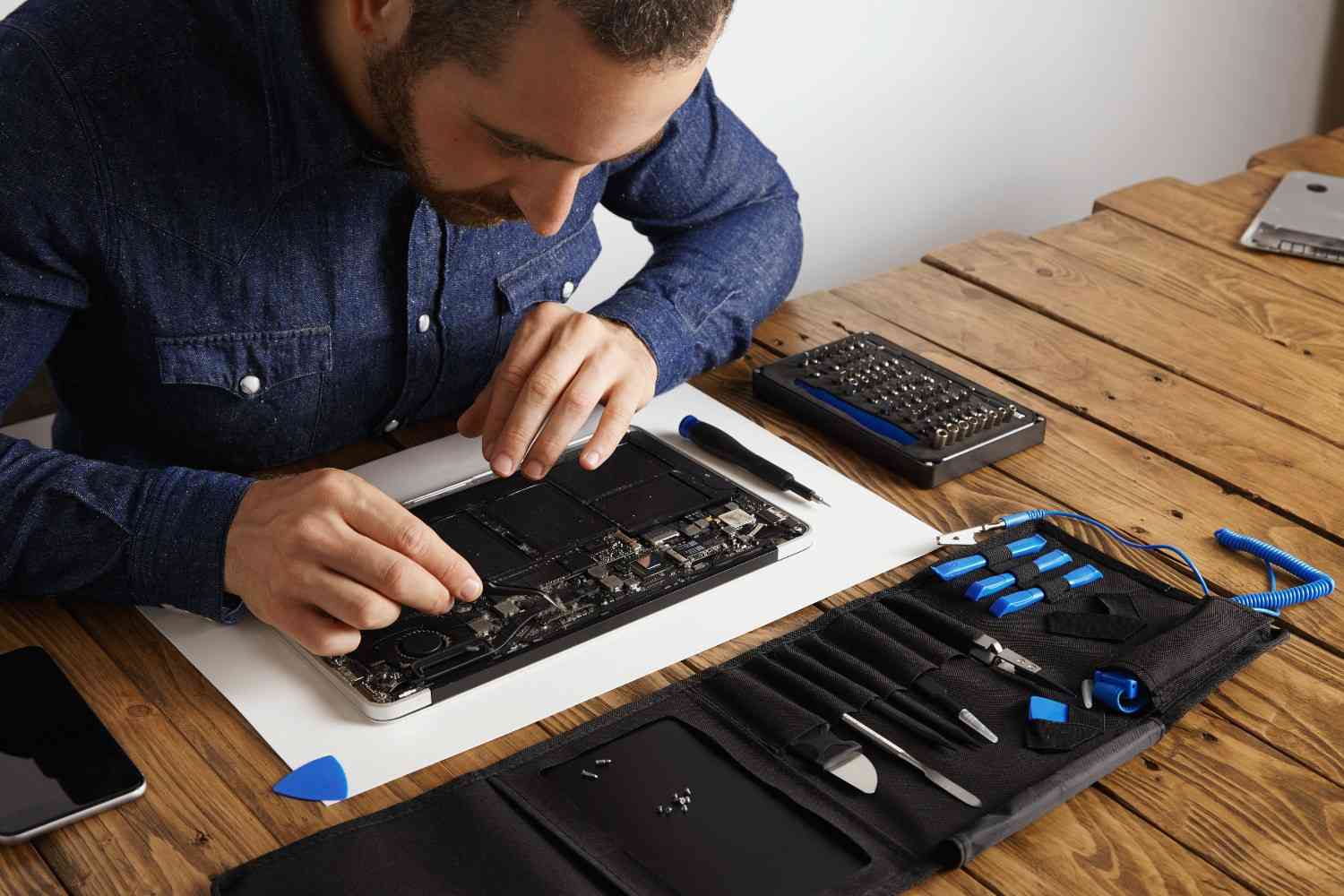
Replacing a Mac display requires specialized tools and technical expertise because Apple devices contain delicate cables, sensors, and tightly integrated components.
At Quick Fix Computer Services, our repair process includes:
Free Diagnostic
We inspect the Mac to determine the full extent of the damage.
Complete Device Inspection
Our technicians check the display, hinges, cables, battery, logic board, and graphics performance.
Professional Screen Replacement
The damaged screen assembly is carefully removed and replaced with a high-quality component.
Comprehensive Testing
We verify display brightness, color accuracy, camera functionality, True Tone support (where applicable), and overall system performance.
Final Quality Check
Every repaired Mac undergoes a final inspection before being returned to the customer. This process helps ensure reliable repairs and long-term performance.
Why Genuine-Quality Parts Matter
Display Quality Depends on the Replacement Part
The quality of the replacement screen directly affects your Mac’s usability. Low-quality aftermarket displays may suffer from poor brightness, inaccurate colors, reduced viewing angles, and shorter lifespans.
High-quality replacement parts provide:
Better color accuracy
Improved brightness levels
Reliable backlighting
Sharper image quality
Consistent performance
Longer durability
At Quick Fix Computer Services, we prioritize premium-quality replacement components that help restore your Mac as closely as possible to its original display performance.
Common Mac Repairs Beyond Screen Replacement
More Than Just Display Repairs
Screen damage is only one of many issues that can affect a Mac. Daily use, accidental drops, aging components, and software problems can all impact performance.
Battery Replacement
If your MacBook battery drains quickly, overheats, or shuts down unexpectedly, a battery replacement can restore reliability and extend the life of your device.
Logic Board Repair
Liquid damage, power surges, and component failures can damage the logic board. Our technicians perform advanced diagnostics to determine whether board-level repair is possible.
Charging Port Repair
Damaged charging ports or power circuits can prevent your Mac from charging properly. We diagnose and repair charging-related issues using professional testing equipment.
Keyboard and Trackpad Repair
Unresponsive keys, sticky keyboards, or malfunctioning trackpads can affect productivity. We repair or replace damaged input components as needed.
macOS Troubleshooting
Software problems such as boot loops, update failures, crashes, and slow performance can often be resolved through professional macOS diagnostics and optimization.
Data Recovery
If your Mac has suffered hardware failure, liquid damage, or startup issues, our technicians can evaluate whether important files can be recovered before major repairs begin.
Why Free Diagnostics Matter
Accurate Repairs Start with Proper Diagnosis
Many customers assume a cracked screen is the only problem affecting their Mac. However, the same impact that damages the display can also affect the hinges, display cable, battery, or logic board.
That’s why Quick Fix Computer Services provides free diagnostics before beginning repairs. Our technicians identify hidden issues that may otherwise go unnoticed, helping customers avoid repeat repairs and unexpected costs.
A thorough diagnostic ensures that the recommended repair matches the actual condition of the device.
Choosing the Right Mac Repair Shop
Experience and Quality Make All the Difference
Choosing a trusted Mac repair provider is just as important as the repair itself. Mac devices are engineered differently from standard Windows laptops, requiring specialized tools, technical expertise, and careful handling. An inexperienced technician or low-quality replacement parts can lead to recurring issues, reduced display performance, or even additional hardware damage.
When selecting a Mac repair shop, consider the following:
Experienced technicians with Apple device expertise
High-quality replacement parts
Free diagnostics and transparent pricing
Fast turnaround times
Warranty-backed repairs
Positive customer reviews
Clear communication throughout the repair process
Located in Mountain View, California, Quick Fix Computer Services is committed to delivering professional Mac repairs with honest recommendations and exceptional customer service. Our goal is to provide reliable solutions that extend the life of your device while minimizing downtime.
How Long Does a Mac Screen Replacement Take?
Professional Repairs Without Unnecessary Delays
One of the first questions customers ask is how long a Mac screen replacement will take. The answer depends on the Mac model, the availability of replacement parts, and whether additional internal damage is discovered during the diagnostic process.
Factors that may affect repair time include:
MacBook Air or MacBook Pro model
Display technology (Retina or Liquid Retina)
Availability of replacement screens
Hinge or frame damage
Logic board or display cable issues
Liquid damage
Many screen replacements can be completed within a short timeframe once the necessary parts are available. After the free diagnostic, our technicians provide a clear estimate and keep customers informed throughout the repair process.
What Affects the Cost of a Mac Screen Replacement?
Understanding Repair Costs
Mac screen replacement costs vary depending on the device and the extent of the damage. Premium Apple displays contain advanced technologies such as Retina resolution, True Tone, and high-brightness panels, making them more complex than standard laptop screens.
Several factors influence the final repair cost, including:
Mac model and year
Type of display technology
Severity of screen damage
Additional hardware repairs
Quality of replacement components
At Quick Fix Computer Services, we believe in transparent pricing. Our free diagnostic allows us to assess your Mac thoroughly and provide an accurate quote before any work begins, ensuring there are no unexpected surprises.
Is Your Data Safe During a Mac Repair?
Protecting Your Files Is a Priority
One of the biggest concerns Mac owners have before a repair is whether their files will remain safe. In most cases, replacing a Mac screen does not affect the data stored on your device. Your documents, photos, applications, and personal files typically remain intact throughout the repair process.
However, if your Mac has experienced severe impact damage or liquid exposure, additional repairs may be required. Whenever possible, it's always a good idea to back up your data before bringing your device in for service.
If your Mac no longer starts or the storage drive is inaccessible, Quick Fix Computer Services also offers professional data recovery services to help recover important files whenever technically possible.
Our technicians treat every device with care, ensuring your privacy and data security remain a top priority.
Tips to Protect Your Mac Display
Prevent Damage Before It Happens
Although accidents can't always be avoided, taking a few simple precautions can significantly reduce the risk of screen damage and extend the lifespan of your Mac.
Here are a few best practices:
Carry your Mac in a padded laptop sleeve.
Avoid placing heavy objects on top of your laptop.
Never close the lid with objects left on the keyboard.
Keep food and liquids away from your workspace.
Clean the display using a soft microfiber cloth.
Open and close the lid gently using both hands.
Store your Mac safely during travel.
Regular care not only protects your display but also helps preserve your Mac's overall performance and longevity.
Why Choose Quick Fix Computer Services?
Trusted Mac Repair in Mountain View, California
When your Mac needs professional attention, you want a repair partner you can trust. Quick Fix Computer Services has built a reputation for delivering dependable Mac repair services backed by experienced technicians, quality workmanship, and excellent customer support.
Customers across Mountain View, San Jose, Palo Alto, Sunnyvale, Cupertino, Santa Clara, Menlo Park, Los Altos, Redwood City, and the greater Bay Area choose us because we provide:
Free diagnostics
Experienced Mac repair specialists
High-quality replacement parts
Fast turnaround times
Transparent pricing
Warranty-backed repairs
Friendly and knowledgeable support
Beyond Mac screen replacement, we also provide battery replacements, logic board repair, macOS troubleshooting, charging port repair, keyboard replacement, data recovery, virus removal, and hardware upgrades. Whether you're a student, creative professional, or business owner, our team is committed to keeping your Mac performing at its best.
Conclusion
A damaged Mac screen can interrupt productivity, communication, and everyday tasks, but professional repairs can restore your device and extend its lifespan. Identifying display issues early, choosing high-quality replacement parts, and working with experienced technicians are all essential steps toward a successful repair.
At Quick Fix Computer Services, we proudly provide professional Mac screen replacement in Mountain View, California, serving customers throughout San Jose, Palo Alto, Sunnyvale, Cupertino, Santa Clara, Menlo Park, Los Altos, Redwood City, and the Bay Area. From free diagnostics to premium-quality repairs, our team is dedicated to delivering dependable solutions that restore your Mac quickly and efficiently.
Whether you're dealing with a cracked display, flickering screen, logic board issue, or software problem, you can count on Quick Fix Computer Services for expert Mac repair services tailored to your needs.
Frequently Asked Questions
How do I know if my Mac screen needs to be replaced?
If your Mac has a cracked display, flickering screen, black spots, colored lines, dead pixels, or an unresponsive display, it's best to have it professionally diagnosed to determine whether a screen replacement is needed.
How long does a Mac screen replacement take?
Repair times vary depending on the Mac model and the extent of the damage. After a free diagnostic, our technicians will provide an estimated turnaround time.
Do you use high-quality replacement parts?
Yes. Quick Fix Computer Services uses premium-quality replacement components to ensure excellent display performance, durability, and reliability.
Will replacing my Mac screen erase my files?
No. A screen replacement typically does not affect the data stored on your Mac. However, we always recommend backing up important files before any repair whenever possible.
Do you repair all Mac models?
Yes. We repair a wide range of Apple devices, including MacBook Air, MacBook Pro, iMac, Mac mini, and Mac Pro models.
What other Mac repair services do you offer?
In addition to screen replacement, we provide battery replacements, logic board repair, charging port repair, keyboard and trackpad replacement, macOS troubleshooting, data recovery, hardware upgrades, and performance optimization.
Which areas do you serve?
Quick Fix Computer Services proudly serves customers in Mountain View, San Jose, Palo Alto, Sunnyvale, Cupertino, Santa Clara, Menlo Park, Los Altos, Redwood City, and surrounding Bay Area communities.
Need Device Repair? Visit Quick Fix Computers for a free diagnostic.
Need Help?
Our technicians are here to help with any tech issue. Free diagnostics on all repairs.
Schedule a Repair