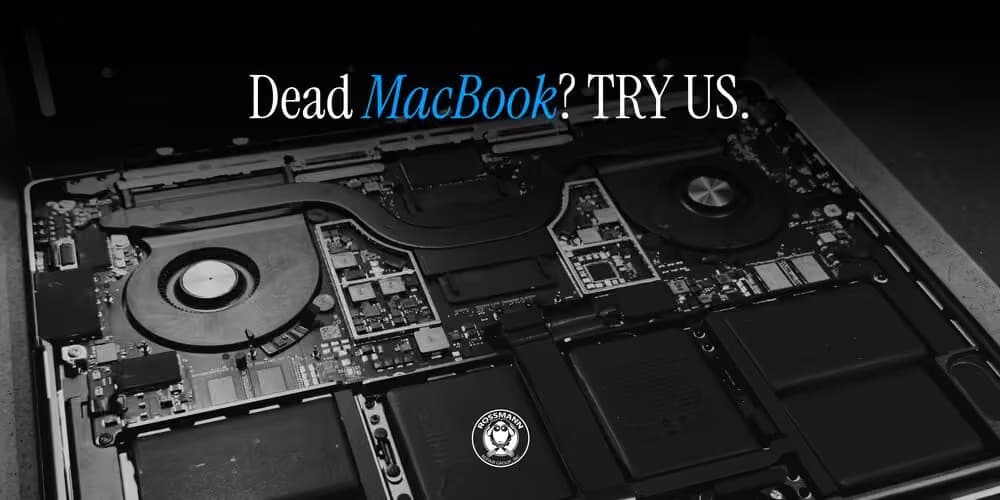
Where Can I Get My Mac Repaired If There’s No Apple Store in My Area?
When your MacBook, iMac, or Mac mini stops working, finding a reliable repair service can be difficult if there isn't an Apple Store nearby. A damaged screen, failing battery, charging problem, or Mac that won't start can interrupt work and put important files at risk.
The good news is that an Apple Store is not your only option. Depending on your location, warranty status, and the type of problem, you may be able to use an Apple Authorized Service Provider, a qualified independent Mac repair shop, Apple's mail-in repair service, or Apple's Self Service Repair program.
The right choice depends on the repair your Mac needs, the level of service you want, the available parts, and the total cost.
For Mac owners in Mountain View, California, and nearby Silicon Valley communities, Quick Fix Computer Services provides local Mac repair and diagnostic services. This guide explains how to compare repair options, what to ask before choosing a provider, and how to decide which approach makes the most sense for your device.
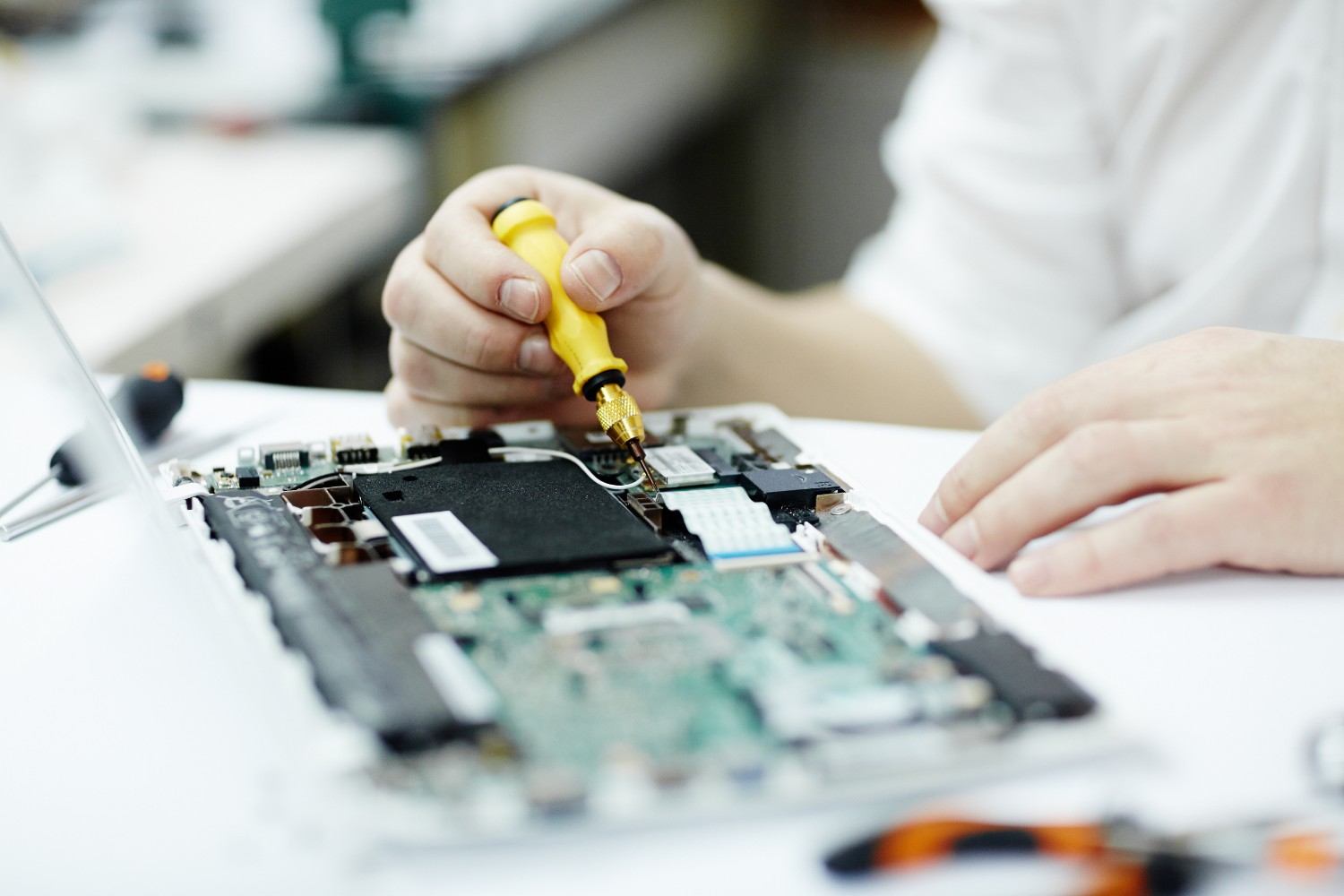
Quick Answer: Where Can You Get Your Mac Repaired Without an Apple Store?
If there is no Apple Store nearby, you can consider four main options:
Apple Authorized Service Provider: A business authorized by Apple to provide Apple-certified repairs, including eligible in-warranty and out-of-warranty service.
Independent Mac repair shop: A local technician or repair business that diagnoses and repairs Mac computers. Services, parts, and warranties vary by provider.
Apple mail-in repair: Apple may offer a prepaid shipping option so you can send your Mac for service without visiting a store.
DIY repair: Apple's Self Service Repair program provides parts, tools, and repair manuals for certain devices and repairs, but it is intended for people with the knowledge and experience to carry out the work.
To compare the available options, start with Apple's official Mac repair page and its repair provider verification tool.
If you prefer local service, an independent repair shop may be convenient for diagnosing common hardware and software problems. Always confirm its capabilities, parts, pricing, and warranty before authorizing work.
1. Visit a Local Mac Repair Shop
A local Mac repair shop can be a practical choice when you need an in-person diagnosis without traveling to an Apple Store.
Depending on the provider and your Mac model, local technicians may be able to troubleshoot software problems, replace batteries or displays, investigate charging issues, repair keyboards, diagnose logic board faults, or assess data recovery options.
Local repair is particularly useful when you want to speak directly with a technician, understand the likely cause of a problem, and receive an estimate before committing to a repair.
Advantages of Local Mac Repair
Convenient access: A nearby shop can save you the time and inconvenience of shipping your computer or traveling to a distant service location.
Direct communication: You can explain the symptoms, discuss repair options, and ask questions about parts, turnaround time, and data protection.
In-person diagnostics: A technician can inspect the Mac, check its physical condition, and investigate issues that may be difficult to diagnose remotely.
Multiple repair options: Depending on the shop's capabilities, you may be able to compare repairing a component, recovering data, or replacing the computer.
Local follow-up: Returning to a nearby shop can be easier if you have questions after the repair or need warranty support.
However, not every independent repair shop offers the same level of expertise. Check whether the provider has experience with your specific Mac model and the particular issue you're experiencing.
Questions to Ask Before Choosing a Mac Repair Shop
Before leaving your Mac with a technician, ask:
Do you repair my exact MacBook, iMac, Mac mini, or Mac Pro model?
Can you diagnose the problem before recommending a repair?
What parts will be used, and are genuine Apple parts available for this repair?
Will I receive a written estimate before paid work begins?
What warranty applies to the repair and replacement parts?
Is my data likely to be affected?
How long will diagnosis and repair take?
What happens if the initial repair does not resolve the problem?
A trustworthy provider should explain what it knows, what remains uncertain, and which options are available without promising a result before examining the device.
2. Use an Apple Authorized Service Provider
If you want Apple-certified repair service but don't have a nearby Apple Store, an Apple Authorized Service Provider may be the best alternative.
Apple Authorized Service Providers offer Apple-certified in-warranty and out-of-warranty repairs. Apple states that their technicians receive training and use Apple genuine parts, tools, diagnostics, and repair resources.
Availability depends on your location and the type of service required.
How to Find an Apple Authorized Service Provider
You can search for available service options through Apple's official repair resources:
Visit Apple Mac Service and Repair.
Choose the type of Mac you need repaired.
Review the available service options for your location.
Check whether an authorized provider is available nearby.
Confirm the repair estimate, appointment requirements, and expected turnaround time.
You can also use Apple's repair provider verification tool to check a provider's status.
Benefits of Authorized Mac Repair
An Apple Authorized Service Provider may be particularly suitable when your Mac is covered by an active Apple warranty or AppleCare plan, or when you specifically want an Apple-authorized repair.
Other advantages include access to Apple's repair processes, diagnostics, and genuine parts for supported repairs.
Before booking, confirm whether the problem is covered under your warranty or plan. Accidental damage, normal battery wear, and other excluded conditions may involve charges.
Also remember that authorized providers may set their own service fees for certain out-of-warranty repairs. Ask for a quote before approving the work.
3. Arrange Apple's Mail-In Repair Service
If you live far from an Apple Store or authorized service location, mail-in repair may allow you to obtain service without making a long trip.
Apple offers a shipping option for eligible Mac repairs in supported locations. Depending on the service, Apple may provide a prepaid shipping box or instructions for sending the device securely.
How Mail-In Mac Repair Works
The process generally involves these steps:
Start a repair request through Apple's official support website.
Describe the problem and identify your Mac.
Review the available service options and estimated charges.
Follow Apple's instructions for preparing and shipping your device.
Track the repair through the available support tools.
Availability, shipping arrangements, and repair options can vary by location and device.
Advantages and Disadvantages of Mail-In Repair
Mail-in repair can be convenient if you don't have a suitable provider nearby. It can also give you access to Apple's service options without traveling.
However, shipping adds handling time, and you will need to prepare your device according to the provider's instructions. You may also be without your computer while it is being transported, inspected, and repaired.
Back up your Mac before sending it whenever possible. If your Mac won't start and you have important files that aren't backed up, ask about data preservation before proceeding.
4. Consider an Independent Repair Provider
An independent Mac repair provider is different from an Apple Authorized Service Provider. Independent businesses may offer out-of-warranty diagnostics and repairs, but their training, tools, parts, service guarantees, and capabilities can vary.
Some independent providers participate in Apple's Independent Repair Provider program. Apple explains that participating providers have access to genuine Apple parts, tools, training, diagnostics, and resources for supported out-of-warranty repairs.
You should verify a provider's status rather than assuming that every shop offering Mac repair is part of Apple's program.
When Is an Independent Mac Repair Shop a Good Option?
Consider an independent provider when:
You need convenient local service.
You want to compare a repair estimate with the cost of replacing your Mac.
Your Mac is outside its warranty period.
You need help diagnosing a charging, battery, keyboard, screen, or performance problem.
You need an assessment of potential data recovery options.
You want to discuss repair alternatives before making a decision.
Before proceeding, ask whether the provider is Apple-authorized, whether the proposed repair is covered by AppleCare or Apple's warranty, and what warranty the shop offers independently.
Repairs by non-authorized providers are not automatically covered by Apple. Review Apple's current repair and warranty guidance before choosing a provider.
5. Should You Repair Your Mac Yourself?
DIY repair can be an option for people with the necessary experience, tools, and technical knowledge. Apple offers a Self Service Repair program for certain supported devices and repair types.
However, Mac computers contain delicate components, and the difficulty of a repair depends on the model and the part involved.
When DIY Mac Repair May Be Appropriate
You may consider a DIY repair if you have experience working with electronics, understand the risks, can obtain the correct parts and tools, and can follow the relevant repair manual.
Start by identifying the exact model and reviewing the instructions for the specific repair. Do not assume that procedures for one MacBook generation will work for another.
Risks of DIY Mac Repair
Attempting a repair without the appropriate experience can cause further damage. Other risks include:
Damaging internal connectors or delicate components.
Purchasing incompatible parts.
Losing access to important data.
Creating battery or electrical safety hazards.
Spending more on tools and parts than expected.
Affecting warranty or service coverage.
If the Mac has suffered liquid damage, has a swollen battery, or contains important files that are not backed up, stop and seek qualified advice before attempting a repair.
For official instructions and supported repair options, start with Apple's Self Service Repair information.
6. How Much Does Mac Repair Cost?
Mac repair costs vary according to the model, the problem, the parts required, and the complexity of the repair. There is no single price that applies to every MacBook, iMac, or Mac mini.
A battery replacement may cost substantially less than a complicated logic board repair. A screen replacement can also vary depending on the Mac model and display assembly.
Common Mac Repair Cost Factors
Mac model and year: Different generations use different components and repair procedures. Some older models may have limited parts availability.
Type of damage: Software troubleshooting, battery service, display replacement, liquid damage, and logic board repair involve different levels of work.
Parts availability: The cost and delivery time for compatible parts can affect the total estimate.
Warranty coverage: An eligible repair under Apple's warranty or AppleCare plan may have different charges from an out-of-warranty repair.
Data recovery needs: Recovering files from a damaged or inaccessible device may require additional evaluation and specialized work.
How to Compare Mac Repair Quotes
When comparing providers, ask for a breakdown of the diagnostic findings, parts, labor, applicable taxes, warranty, and estimated turnaround time.
Don't compare prices alone. A low initial quote may not include every required component or service.
Apple provides repair cost information for supported service types through its official Mac repair page. Independent providers can supply their own estimates based on the device and diagnosis.
Does Insurance or AppleCare Cover Mac Repair?
Coverage depends on the plan, the device, the cause of damage, and the applicable terms.
Apple's Limited Warranty generally covers eligible manufacturing issues, not accidental damage or normal battery wear. AppleCare coverage may offer additional benefits subject to its terms, service fees, and eligibility rules.
If you have separate electronics insurance or coverage through a credit card, review its exclusions, deductibles, and claim requirements.
Always confirm coverage before authorizing a paid repair.
7. Where to Get Mac Repair in Mountain View, California
If you live in Mountain View or nearby Silicon Valley communities, you don't necessarily need to travel to an Apple Store to have your Mac evaluated.
Quick Fix Computer Services provides Mac repair in Mountain View, California, with services for common hardware and software issues.
Services include:
MacBook screen repair.
MacBook battery replacement.
Keyboard and charging troubleshooting.
Mac performance and startup diagnostics.
Logic board repair assessment.
Storage upgrades for compatible models.
Data recovery evaluation.
The appropriate repair depends on the device's condition, model, parts availability, and diagnostic results.
Mac Repair Near Palo Alto, Sunnyvale, Cupertino, and San Jose
Quick Fix Computer Services operates from its Mountain View repair shop and serves customers from surrounding Bay Area communities, including Palo Alto, Sunnyvale, Cupertino, Santa Clara, San Jose, and Menlo Park.
If you're searching for Mac repair near me, confirm the shop's location, opening hours, and available services before visiting.
Quick Fix Computer Services is located at:
1398 W El Camino Real E, Mountain View, CA 94040
Phone: (650) 968-2400
Quick Fix offers free diagnostics and provides a repair estimate before paid work begins. Same-day service is available for many repairs, depending on the problem and parts availability.
Explore the Mac repair service page or schedule a repair to discuss your device.
8. What to Do Before Taking Your Mac for Repair
A little preparation can make the repair process easier and help protect your information.
Back Up Your Files
Use Time Machine or another appropriate backup method if your Mac is functioning. If the computer won't start or the storage may be failing, avoid repeated repair attempts if the files are important. Ask about data recovery options first.
Identify Your Mac Model
Your model helps a technician determine compatible parts, repair procedures, and available upgrades. If the Mac starts, you can usually find model information under the Apple menu → About This Mac.
Describe the Problem Clearly
Explain when the problem began, what symptoms you see, whether the Mac has been dropped or exposed to liquid, and which troubleshooting steps you've already tried.
Ask About Passwords and Privacy
Ask what access the technician needs and how your data will be handled. Do not share your Apple Account password unnecessarily. Follow the provider's instructions for preparing your device and protecting sensitive information.
Get Approval Before Paid Work
Request a written estimate and clarify whether additional work will require your approval. Ask about the warranty and whether your data could be affected by the proposed repair.
Frequently Asked Questions About Mac Repair Without an Apple Store
Where can I get my Mac repaired if there's no Apple Store in my area?
You can look for an Apple Authorized Service Provider, a qualified independent Mac repair shop, or Apple's mail-in repair service if available in your location. The best option depends on warranty coverage, repair needs, convenience, and cost.
Can an independent repair shop fix my MacBook?
Yes. Independent repair shops may diagnose and repair supported MacBook hardware and software problems. Their capabilities, parts, warranties, and training vary, so confirm that the provider has experience with your specific model and repair.
How do I find Mac repair near me?
Search for Mac repair services in your city, compare recent customer reviews, verify the shop's location and experience, and ask about diagnostics, parts, pricing, and warranty. You can also use Apple's official repair resources to find authorized service options.
Is an Apple Authorized Service Provider the same as an Apple Store?
No. An Apple Authorized Service Provider is a separate business authorized to provide Apple-certified repairs. Apple Stores are Apple retail locations that may offer repair appointments through the Genius Bar.
Can I mail my Mac to Apple for repair?
Apple offers mail-in service for eligible repairs in supported locations. Start with Apple's official repair website to check availability, shipping instructions, and expected charges for your device.
Is it cheaper to use a local Mac repair shop?
It depends on the problem, parts, labor, and warranty coverage. Compare written estimates and make sure you understand which parts and services are included. The lowest quote is not necessarily the best value.
How much does Mac repair cost?
Mac repair cost depends on the model, issue, parts required, and repair complexity. Battery replacement, screen repair, software troubleshooting, and logic board repairs can have different prices. Request a diagnostic and estimate before approving paid work.
Will repairing my Mac erase my files?
Not necessarily. Some repairs may not affect stored files, but data loss is possible during certain hardware, storage, or software procedures. Back up your Mac when possible and discuss data preservation before authorizing repairs.
Can I repair my Mac myself?
Apple's Self Service Repair program provides manuals, parts, and tools for certain supported repairs. DIY repair is best suited to people with the necessary experience. Incorrect procedures can damage components or create safety risks.
Where can I get Mac repair in Mountain View, CA?
Quick Fix Computer Services provides Mac repair and diagnostics at 1398 W El Camino Real E, Mountain View, CA 94040. Services include MacBook screen and battery repairs, keyboard troubleshooting, logic board assessment, and data recovery evaluation. Call (650) 968-2400 or visit the Mac repair service page for details.
Does Quick Fix Computer Services offer free Mac diagnostics?
Yes. Quick Fix Computer Services offers free diagnostics to help identify the cause of a Mac problem and provide a repair estimate before paid work begins. Repair options and turnaround depend on the device and the issue.
Final Thoughts
Not having an Apple Store nearby doesn't mean you have to replace your Mac or travel a long distance for service.
Apple Authorized Service Providers, independent repair shops, mail-in service, and supported DIY repairs all offer possible solutions. Compare their credentials, repair options, costs, turnaround times, and warranty terms before deciding.
For Mac owners in Mountain View, California, and nearby Bay Area communities, Quick Fix Computer Services offers local Mac repair and diagnostics to help you understand the problem and evaluate your options.
The best next step is to identify the issue, protect your data, and obtain a clear estimate before committing to a repair.
Need Help?
Our technicians are here to help with any tech issue. Free diagnostics on all repairs.
Schedule a Repair