Signs of Internal Water Damage in Electronics (What to Check Before It’s Too Late)
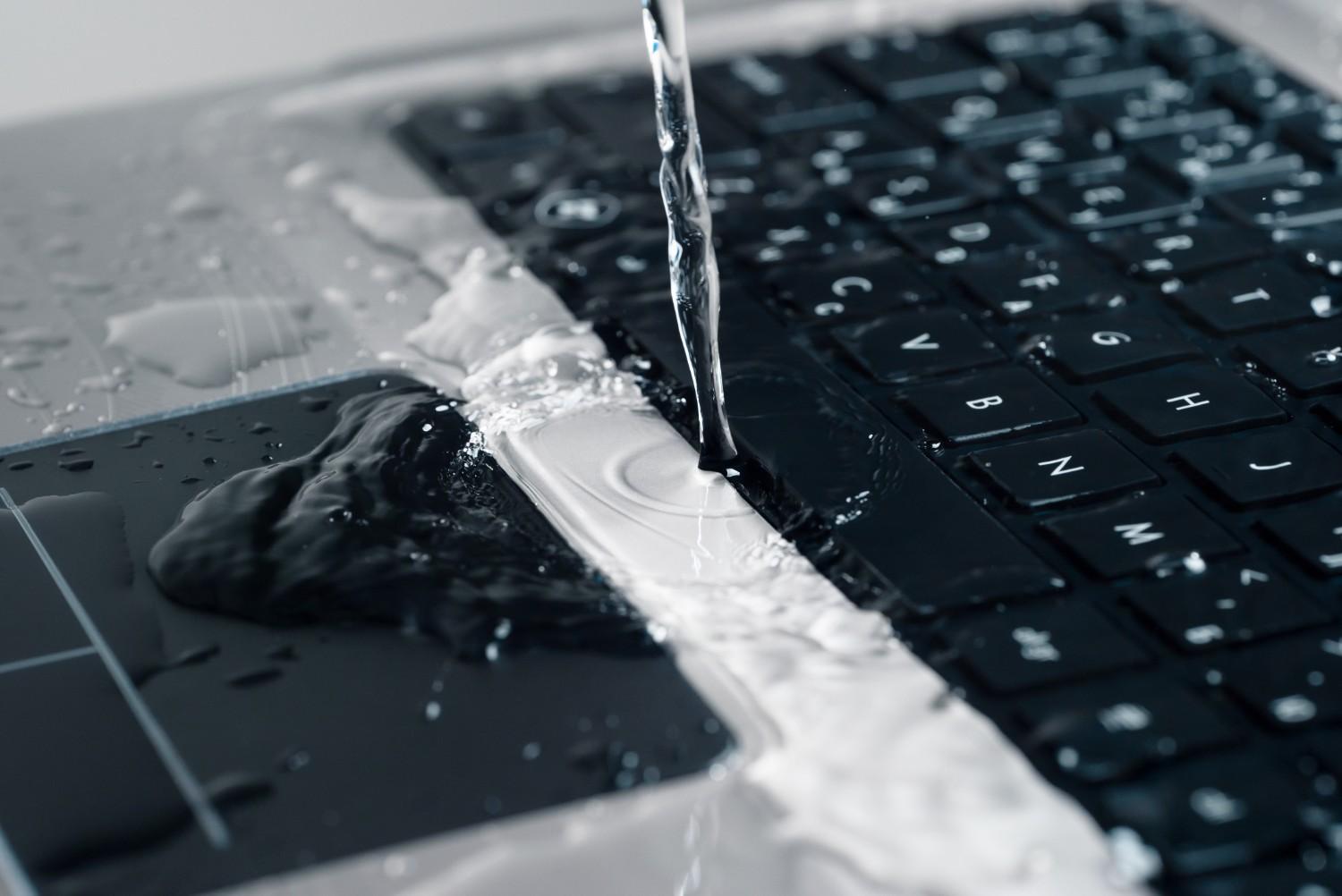
Water and electronics are a dangerous combination. Whether it’s a spilled drink, accidental drop in water, or exposure to humidity, moisture can silently damage your device from the inside. The worst part? Internal water damage isn’t always immediately visible.
If you act quickly and recognise the early warning signs, you can prevent permanent damage and expensive repairs. This guide will walk you through the key signs of internal water damage in electronics, what causes it, and what steps you should take next.
Why Water Damage Is So Dangerous for Electronics
Electronic devices rely on delicate internal components and circuits to function. When water enters the system, it can:
Short-circuit internal components
Cause corrosion over time
Damage the battery and power system
Lead to complete device failure
Even small amounts of moisture can create long-term issues, especially if left untreated.
Common Causes of Internal Water Damage
Before identifying the signs, it’s important to understand how water gets inside devices:
1. Accidental Spills
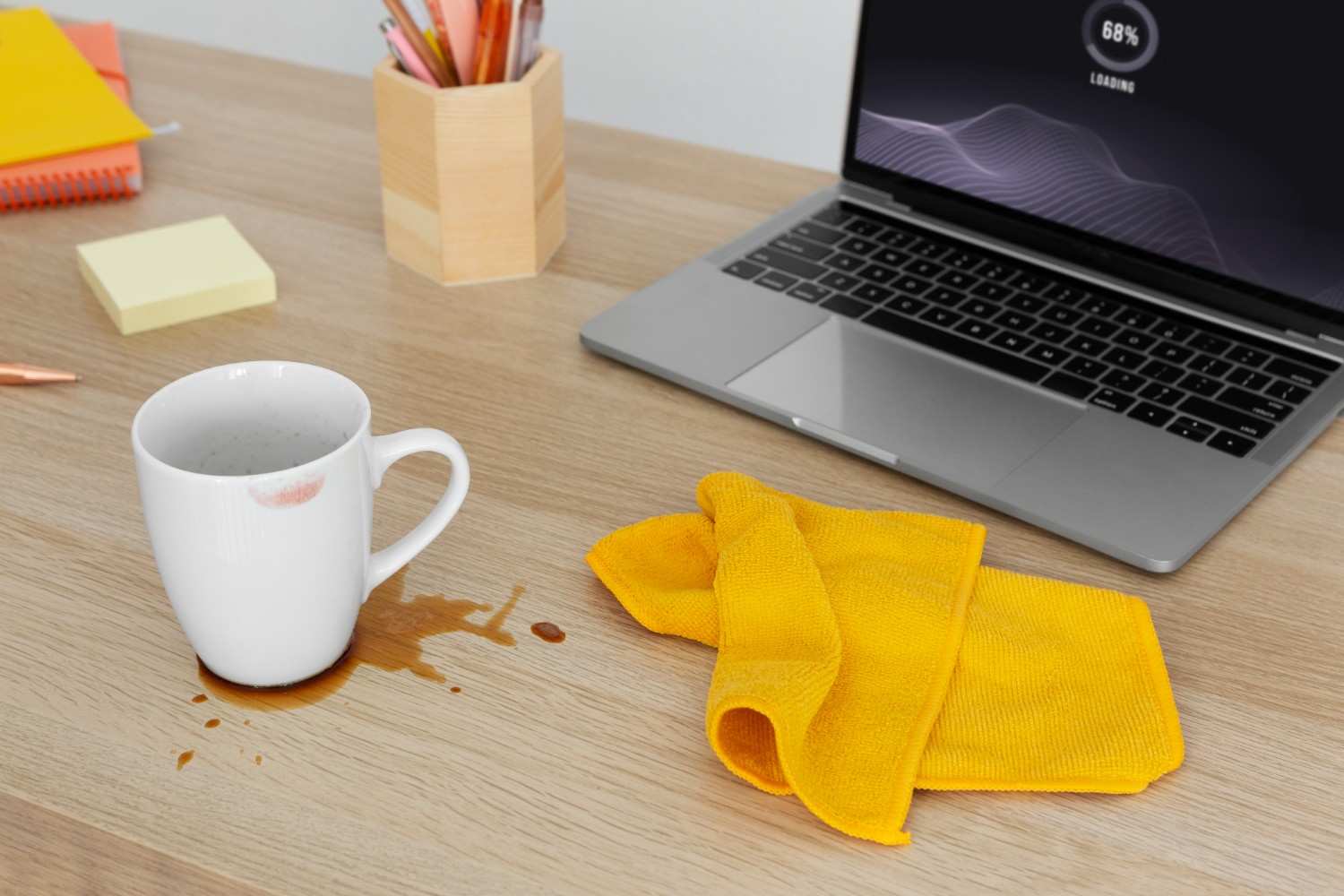
Coffee, tea, or water spilled on laptops, keyboards, or phones
Liquids seeping through vents or ports
2. Drops in Water
Phones dropped in sinks, toilets, or pools
Laptops exposed to rain
3. High Humidity Exposure
Using devices in damp environments
Long-term exposure to moisture in the air
4. Condensation Build-Up
Moving devices between hot and cold environments
Moisture forming inside screens or circuits
Early Signs of Internal Water Damage in Electronics
Water damage doesn’t always cause immediate failure. Often, subtle symptoms appear first.
1. Device Won’t Turn On or Powers Off Randomly
This is one of the most common signs.
What you may notice:
Device completely unresponsive
Random shutdowns without warning
Power button not working
Water can disrupt the internal power circuit, preventing proper startup.
2. Screen Issues or Display Malfunctions
Moisture can affect the display components quickly.
Look for:
Flickering screen
Dark spots or patches
Lines across the display
Screen not turning on while device runs
In some cases, condensation may appear under the screen.

3. Unusual Heating or Overheating
Water can interfere with electrical flow, causing components to overwork.
Signs include:
Device heating up faster than usual
Overheating even during light use
Sudden shutdown due to heat
This can damage internal chips if not addressed quickly.
4. Distorted Audio or Speaker Issues
Speakers are particularly vulnerable to water.
Symptoms:
Muffled sound
Crackling or buzzing noise
No sound output
Water trapped inside speaker grills can affect sound quality.
5. Keyboard or Button Malfunction
Liquid often seeps through input areas first.
Common problems:
Sticky or unresponsive keys
Keys typing incorrect characters
Power or volume buttons not working
This is especially common in laptops after spills.
6. Charging Problems
Water damage can impact charging ports and circuits.
Watch for:
Device not charging
Loose or inconsistent charging connection
Charging only at certain angles
Corrosion inside the port is a frequent cause.
7. Fog or Moisture Inside the Screen
Visible condensation is a clear warning sign.
You may see:
Foggy patches under the screen
Water droplets inside camera lenses
Blurry display areas
This indicates moisture has penetrated internal layers.
8. Corrosion or Rust on Ports and Components
Water doesn’t just damage instantly, it continues to degrade components over time.
Check for:
Green or white residue on ports
Rust-like discoloration
Metallic parts losing shine
Corrosion can spread and permanently damage circuits.
9. Strange Smell or Burnt Odor
Electrical components affected by water may produce a distinct smell.
Indicators:
Burnt or metallic odor
Smell coming from vents or ports
This could mean internal short-circuiting.
10. Slow Performance or System Glitches
Water damage can affect internal processing.
You might experience:
Lagging or freezing
Apps crashing frequently
System errors or unexpected restarts
These issues may worsen over time if untreated.
Hidden (Delayed) Signs of Water Damage
Sometimes, devices appear fine initially but develop issues later.
Delayed Symptoms Include:
Gradual battery drain
Intermittent connectivity issues (Wi-Fi, Bluetooth)
Sudden hardware failures after days or weeks
This happens because corrosion continues even after the device dries.
How to Confirm Water Damage
If you suspect water damage, here are a few ways to confirm it:
Check Liquid Contact Indicators (LCIs)
Many devices have built-in indicators that change color when exposed to moisture.
Inspect Ports and Openings
Use a flashlight to check for:
Residue
Moisture
Corrosion
Professional Diagnostic
A technician can open the device and inspect internal components safely.
Final Thoughts
Internal water damage in electronics is often silent but serious. While some signs like screen issues or charging problems are obvious, others, like corrosion or performance drops, can develop over time.
The key is early detection and quick action. If you notice any of these warning signs, avoid using the device and seek professional help as soon as possible.
A small delay can turn a minor issue into a complete device failure. Stay cautious, act fast, and protect your electronics from moisture whenever possible.
Need Help?
Our technicians are here to help with any tech issue. Free diagnostics on all repairs.
Schedule a Repair