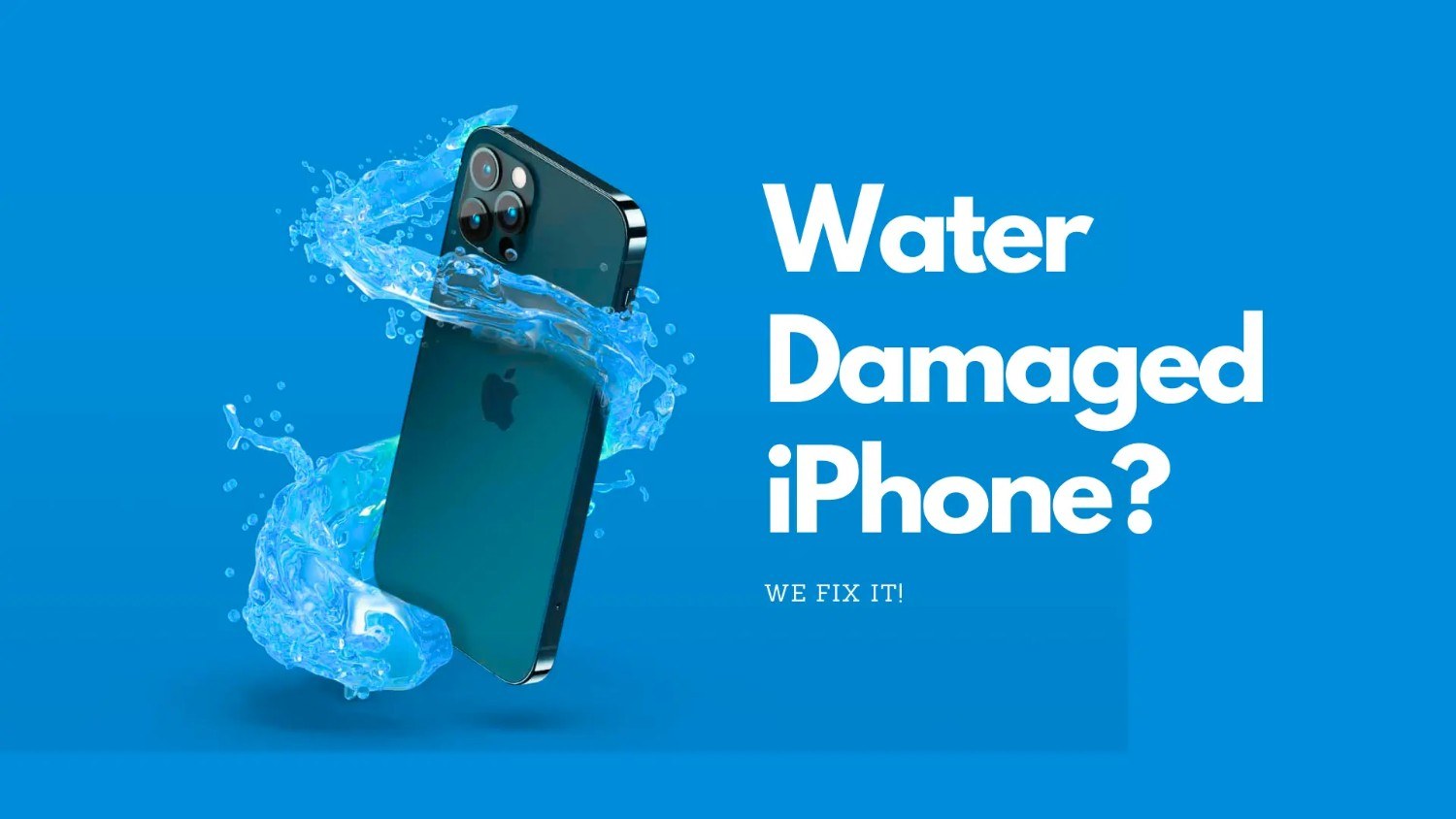
Water Damage Repair in Mountain View, CA: What to Do, What to Avoid, and How to Improve Your Device's Recovery Chances
Water damage is one of the most common, and most serious, causes of device failure. Whether it's a laptop soaked by coffee, a smartphone dropped in water, or a MacBook exposed to a liquid spill, even a small amount of moisture can damage sensitive internal components. Acting quickly and taking the right steps can make the difference between a successful repair and permanent data loss.
At Quick Fix Computer Services, we provide professional water damage repair in Mountain View, California, helping customers across the Bay Area recover laptops, MacBooks, desktop computers, smartphones, and tablets affected by liquid exposure. Our technicians use specialized diagnostic and cleaning techniques to remove corrosion, repair damaged components, and improve the chances of saving your device.
This guide explains how liquid damage affects electronics, why immediate action matters, what you should never do after a spill, and how professional repair services can maximize recovery.
Understanding Water Damage in Electronic Devices
Why Liquid Damage Is More Serious Than It Looks
Many people assume that if a device turns back on after getting wet, everything is fine. Unfortunately, water damage is often a progressive problem. Moisture can seep into tiny circuits, connectors, and chips where it continues to cause corrosion long after the visible liquid has evaporated.
Modern devices contain densely packed electronic components that operate on extremely low voltages. Even a few drops of liquid can create short circuits, damage integrated circuits, or corrode electrical connections. Sugary drinks, coffee, soda, and saltwater are especially harmful because they leave behind conductive residue that accelerates corrosion.
At Quick Fix Computer Services, we often see devices that worked immediately after a spill but failed days or even weeks later because corrosion continued to spread inside the system.
Common Causes of Liquid Damage
Everyday Accidents Can Lead to Major Repairs
Liquid damage can happen almost anywhere. Whether you're working in an office, studying at a café, or traveling, electronic devices are frequently exposed to accidental spills.
Some of the most common causes include:
Water spills
Coffee or tea accidents
Soft drinks and sugary beverages
Wine or alcohol spills
Rain exposure
Flood damage
Condensation
Bathroom accidents
Swimming pool or beach incidents
Business professionals, students, and remote workers in Mountain View often rely on laptops and smartphones throughout the day, making accidental liquid exposure a surprisingly common occurrence.
The Liquid Damage Repair Process
Professional Diagnostics Come First
Every water-damaged device is different. The type of liquid, the amount of exposure, and how quickly the device is brought in all influence the repair process.
At Quick Fix Computer Services, every repair begins with a detailed diagnostic inspection. Our technicians examine the device for visible corrosion, test critical hardware components, and assess whether power-related damage has occurred.
Rather than immediately replacing parts, we identify the full extent of the damage so we can recommend the most effective repair strategy.
Internal Cleaning and Corrosion Removal
One of the most important steps in water damage repair is removing moisture and cleaning corrosion from internal components.
After safely disassembling the device, technicians carefully clean affected areas using professional-grade equipment and specialized cleaning solutions designed for electronic circuits. This process removes contaminants that can continue damaging components long after the initial spill.
Cleaning is particularly important because dried residue from coffee, soda, and other beverages can remain conductive, increasing the risk of future electrical failures.
Component Testing and Repair
Once the device has been cleaned, each critical component is tested individually to determine whether it remains functional.
This evaluation may include:
Logic board testing
Battery diagnostics
Display inspection
Keyboard testing
Charging circuit evaluation
Storage device testing
Power management analysis
Damaged components are repaired or replaced as needed, allowing technicians to restore as much functionality as possible while avoiding unnecessary replacements.
Why Acting Quickly Is Critical
Every Minute Matters After a Spill
Time is one of the biggest factors affecting the success of water damage repair.
When liquid enters a device, corrosion begins almost immediately. Electrical current flowing through wet circuits can create short circuits that permanently damage sensitive chips and connectors.
The sooner the device is powered off and professionally inspected, the greater the likelihood that internal components can be preserved.
Delaying repair often allows corrosion to spread, increasing repair costs and reducing the chances of successful recovery.
For customers throughout Mountain View and the Bay Area, bringing a water-damaged device to Quick Fix Computer Services as soon as possible provides the best opportunity for a successful outcome.
Immediate Steps to Take After Liquid Damage
Respond Quickly and Carefully
If your laptop, MacBook, phone, or tablet comes into contact with liquid, taking the right actions immediately can help minimize damage.
Follow these steps:
Turn the device off immediately.
Disconnect the charger and all external accessories.
Remove removable batteries if possible.
Dry the exterior with a clean, lint-free cloth.
Keep the device powered off.
Bring it to a professional repair technician as soon as possible.
Avoid trying to determine whether the device still works by repeatedly turning it on. Every attempt to power a wet device increases the risk of permanent electrical damage.
What Not to Do After Water Damage
Avoid Common Mistakes That Can Make Things Worse
Many online tips and home remedies can actually reduce the likelihood of successful recovery.
Don't Turn the Device Back On
Even if the device appears dry, internal moisture may still be present. Powering it on can cause electrical shorts that damage otherwise recoverable components.
Don't Plug It In
Charging a wet device introduces electricity into compromised circuits, increasing the risk of severe hardware failure.
Don't Use a Hair Dryer
Excessive heat can warp plastic components, damage batteries, and push moisture deeper into the device.
Don't Put It in Rice
Despite its popularity, rice is not an effective solution for liquid damage. It does not remove corrosion, clean residue, or extract moisture trapped beneath chips and connectors. It may also introduce dust and debris into ports.
Don't Shake the Device
Shaking can spread liquid into areas that were previously unaffected, increasing internal damage.
Professional repair remains the safest and most effective response after liquid exposure.
Recovery Chances After Water Damage
Can a Water-Damaged Device Be Saved?
Many customers assume water damage automatically means replacing the device. Fortunately, that is not always the case.
Recovery depends on several factors, including:
Type of liquid
Amount of exposure
Time before professional repair
Whether the device remained powered on
Extent of corrosion
Components affected
Clean water generally causes less damage than coffee, soda, or saltwater because it leaves behind fewer conductive contaminants.
Devices that are turned off immediately and brought in for prompt diagnostics often have significantly higher recovery rates than those left running after a spill.
Can Data Be Recovered?
Protecting Your Valuable Information
For many customers, recovering important files is even more important than repairing the device itself.
Even when a laptop or smartphone cannot be fully restored, storage devices may still contain recoverable information.
At Quick Fix Computer Services, we evaluate storage components carefully before beginning major repairs. When appropriate, our technicians prioritize recovering documents, photos, videos, business files, and other critical information.
This approach helps minimize the impact of hardware failure while preserving valuable digital assets.
Why Professional Water Damage Repair Matters
Specialized Equipment Makes the Difference
Water damage repair requires much more than simply drying a device.
Professional technicians use specialized diagnostic equipment, ultrasonic cleaning systems, corrosion removal techniques, and board-level inspection tools that are unavailable to most consumers.
Attempting repairs without proper training can worsen corrosion, damage delicate connectors, or destroy recoverable components.
Choosing an experienced repair provider increases the likelihood of both hardware recovery and data preservation.
Why Choose Quick Fix Computer Services?
Trusted Water Damage Repair in Mountain View
When liquid damage occurs, choosing the right repair shop is critical. Quick Fix Computer Services has helped customers throughout Mountain View, Palo Alto, Sunnyvale, Cupertino, Santa Clara, San Jose, Menlo Park, Los Altos, Saratoga, Atherton, and the greater Bay Area recover devices affected by accidental spills and moisture exposure.
Customers trust us because we offer:
Advanced diagnostics
Professional liquid damage cleaning
Board-level repair expertise
Data recovery assistance
Fast turnaround times
Honest repair recommendations
High-quality replacement parts
90-day warranty on qualifying repairs
Whether you have a water-damaged MacBook, Windows laptop, iPhone, Android phone, tablet, or desktop computer, our experienced technicians are ready to help.
Preventing Future Liquid Damage
Small Habits Can Protect Your Devices
Although accidents can't always be avoided, a few simple precautions can reduce the risk of future damage.
Consider these best practices:
Keep drinks away from your workspace.
Use protective laptop sleeves during travel.
Invest in waterproof phone cases.
Back up important files regularly.
Avoid using electronics in humid environments.
Handle devices carefully near pools, sinks, and beaches.
These habits can help protect both your hardware and your valuable data.
Conclusion
Water damage is one of the most time-sensitive computer and mobile device issues. Acting quickly, avoiding common mistakes, and seeking professional repair can dramatically improve your device's recovery chances.
At Quick Fix Computer Services, we specialize in water damage repair in Mountain View, California, helping individuals and businesses throughout the Bay Area recover laptops, MacBooks, smartphones, tablets, and desktop computers affected by liquid spills. From advanced diagnostics and corrosion removal to component repair and data recovery, our team is committed to restoring your device safely and efficiently.
If your device has been exposed to water or another liquid, don't wait. Prompt professional attention can help protect your investment, preserve your data, and improve the likelihood of a successful repair.
Frequently Asked Questions
Can a water-damaged laptop be repaired?
Yes. Many water-damaged laptops can be repaired if they are powered off quickly and professionally cleaned before corrosion causes permanent damage.
Is putting a wet phone in rice effective?
No. Rice does not remove corrosion or trapped moisture and is not considered an effective repair method.
How soon should I bring in a water-damaged device?
Immediately. The sooner a device is professionally inspected, the better the chances of successful repair and data recovery.
Can data be recovered from a water-damaged device?
In many cases, yes. Even if the device cannot be fully repaired, files may still be recoverable through professional data recovery services.
What types of devices do you repair after liquid damage?
Quick Fix Computer Services repairs water-damaged laptops, MacBooks, desktops, iPhones, Android phones, tablets, and other electronic devices for customers throughout Mountain View and the Bay Area.
Need Device Repair? Visit Quick Fix Computers for a free diagnostic.
Need Help?
Our technicians are here to help with any tech issue. Free diagnostics on all repairs.
Schedule a Repair