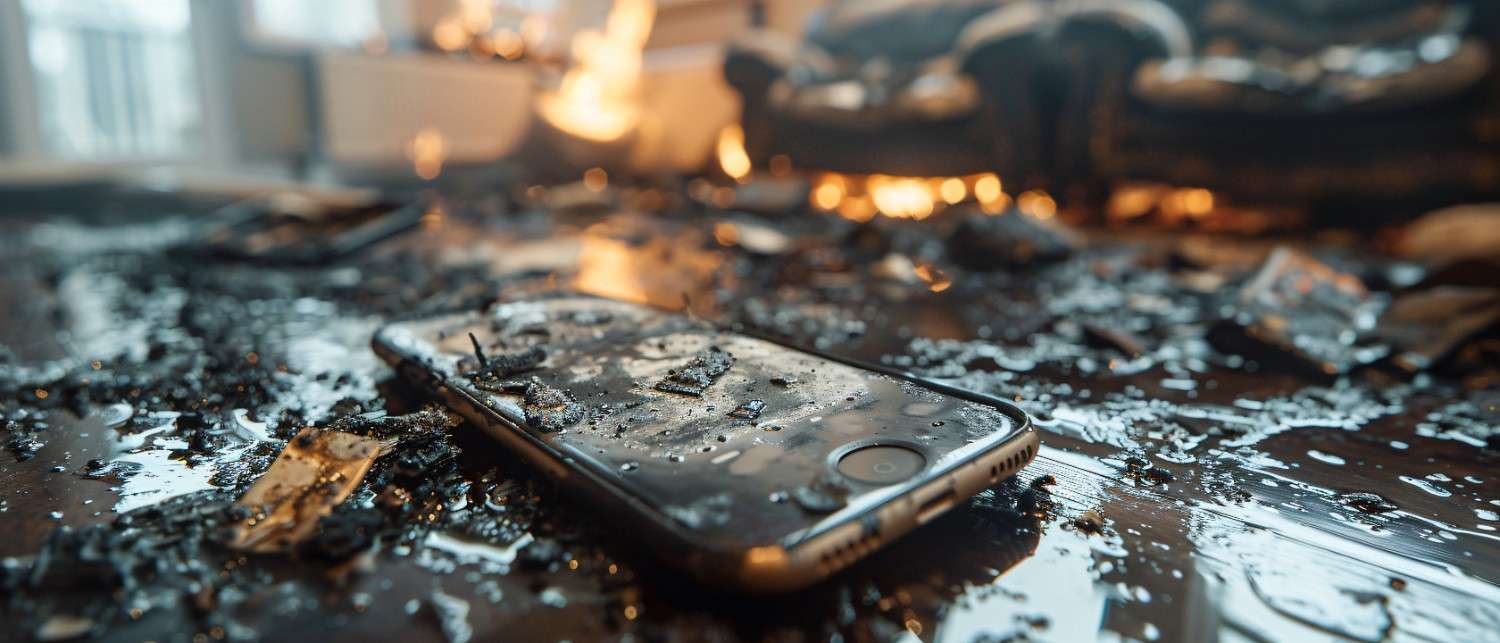
Discover the Truth: Data Recovery from Water-Damaged Phones – Is It Possible?
Water damage is one of the most stressful situations for smartphone users. A single accident, dropping your phone in a sink, toilet, rain, or pool; can make you believe your data is gone forever. Photos, contacts, videos, and important files suddenly feel at risk.
But is data recovery from a water-damaged phone really possible?
The answer is: yes, but it depends on the severity of damage, speed of action, and recovery method used.
In this blog, we’ll break down how water affects phones, what signs to look for, and the real possibilities of recovering your lost data.
Understanding Phone Water Damage
Water damage doesn’t just mean your phone stops working immediately. In many cases, damage continues internally even after the device appears “fine.”
Smartphones are built with delicate electronic components that are highly sensitive to moisture. When water enters the device, it can cause short circuits, corrosion, and long-term hardware failure.
Understanding how this process works is key to knowing whether your data can still be saved.
How Water Affects Electronic Components
When water enters a phone, it spreads across multiple internal parts:
Motherboard: The brain of the phone can short-circuit instantly.
Battery: May swell, leak, or stop functioning safely.
Display connectors: Can cause flickering or screen failure.
Storage chip (where your data is stored): Can get corrupted but is often still recoverable.
What makes water damage dangerous:
Water contains minerals that conduct electricity
Even small droplets can cause micro-corrosion
Damage can continue even after drying
This is why turning on a wet phone is one of the worst things you can do.
Common Causes of Water Damage in Phones
Water damage doesn’t only happen in obvious situations like swimming pools. Some common causes include:
Dropping phone in sinks, toilets, or bathtubs
Heavy rain exposure
Sweat or humidity in pockets or bags
Spilled drinks like coffee, tea, or soda
Washing machine accidents
Beach or poolside exposure
Even “splash-resistant” phones are not fully safe from liquid damage over time.
Signs of Water Damage in Your Phone
Sometimes water damage is immediate. Other times, it appears slowly over days or weeks.
Immediate Indicators to Look For
Phone does not turn on
Screen flickering or black display
Random shutdowns
Charging issues
No sound or distorted audio
Long-term Effects of Water Exposure
Corrosion inside internal components
Battery draining faster than usual
Overheating during normal use
Touchscreen malfunctions
Storage errors or data loss
If your phone shows any of these signs after water exposure, it’s likely damaged internally; even if it still works temporarily.
Data Recovery Techniques
Now to the most important question: Can your data be recovered?
Yes, but the method depends on the condition of the phone and storage system.
DIY Recovery Methods
If the damage is minor and the phone still turns on, you may be able to recover data yourself.
Steps you can try:
Turn off the phone immediately
Remove SIM and memory card
Dry the phone using silica gel (not rice)
Avoid charging or turning it on repeatedly
If the phone powers on briefly, quickly:
Transfer files to a computer
Use USB cable or file-sharing apps
Backup important photos and documents
⚠️ Important: DIY methods only work for mild water exposure. Deep internal damage requires professional help.
Using Cloud Backup Services
Cloud backups are one of the most reliable ways to recover lost data.
If your phone had cloud sync enabled, you may already have your data saved.
Common cloud options:
Google Drive (Android)
iCloud (iPhone)
OneDrive or Dropbox
What can be recovered:
Contacts
Photos and videos
App data
Documents
This is why enabling automatic backup is essential for preventing permanent data loss.
Alternative Techniques for Recovering Lost Files
If the phone is partially functional, you can try:
Connecting to a PC for file extraction
Using recovery software (only if storage is accessible)
Accessing SD card data separately
Checking app-specific backups (WhatsApp, Google Photos, etc.)
However, these methods depend heavily on whether the storage chip is still readable.
Professional Data Recovery Services
When DIY methods fail, professional services are often the only reliable option.
Experts use advanced tools and controlled environments to recover data from damaged devices.
Benefits of Hiring Data Recovery Specialists
Professional recovery offers several advantages:
Safe disassembly of damaged phone
Advanced chip-level recovery techniques
Corrosion cleaning of motherboard
High success rate for data extraction
No risk of further damage during process
Most importantly, they can sometimes recover data even if the phone no longer turns on.
What to Expect from Electronic Repair Services
When you take your phone to a repair or recovery center, the process usually includes:
1. Diagnosis
Technicians inspect internal damage and assess recoverability.
2. Cleaning Process
Special cleaning solutions are used to remove corrosion.
3. Component Testing
Each part (battery, board, storage) is tested individually.
4. Data Extraction
If storage is intact, data is extracted directly or through specialized tools.
5. Recovery Report
You are informed about what data can be saved before full recovery.
Recovery success depends on how quickly the phone is brought in after water exposure.
Preventing Future Water Damage
While recovery is possible, prevention is always better.
Protective Accessories and Cases
Investing in protection can save you from future stress:
Waterproof phone cases
Silicone shockproof covers
Water-resistant pouches for travel
Screen protectors with sealing edges
These accessories don’t guarantee full protection but significantly reduce risk.
Best Practices for Phone Care
To avoid water damage:
Keep your phone away from bathrooms and kitchens
Avoid using it in heavy rain
Don’t charge it in damp environments
Dry your hands before handling it near water
Be cautious near pools or beaches
Small habits can make a big difference in phone safety.
Final Thoughts on Water Damage Recovery
Water damage doesn’t always mean permanent loss of data. Modern recovery techniques, cloud systems, and professional repair services have made it possible to retrieve important files in many situations.
However, time is critical. The longer you wait, the higher the chance of corrosion and permanent data loss.
If your phone ever suffers water damage, act fast, avoid powering it on repeatedly, and seek professional help when needed.
❓ FAQs
1. Can data be recovered from a water-damaged phone?
Yes, in many cases data can be recovered depending on how quickly the phone is treated and the level of internal damage. Professional recovery services often have the highest success rate.
2. What should I do immediately after my phone gets wet?
Turn it off immediately, remove SIM and memory cards, and avoid charging or turning it on. This helps prevent short circuits and further damage.
3. Does putting a wet phone in rice really work?
Rice is not an effective solution. It may absorb some moisture, but it does not prevent internal corrosion or fix electronic damage.
4. Can I recover data from a phone that won’t turn on?
Yes, professional technicians can sometimes recover data directly from the storage chip even if the phone does not power on.
5. What is the most reliable way to recover lost data?
Using cloud backups (Google Drive, iCloud, etc.) is the most reliable and easiest way. If no backup exists, professional data recovery services are the next best option.
6. How long do I have to recover data after water damage?
The sooner, the better. Corrosion starts quickly, often within hours, and reduces recovery chances over time.
7. Is professional data recovery expensive?
Costs vary depending on damage severity and device type, but it is usually more affordable than losing important personal or business data permanently.
Need Device Repair? Visit Quick Fix Computers for a free diagnostic.
Need Help?
Our technicians are here to help with any tech issue. Free diagnostics on all repairs.
Schedule a Repair