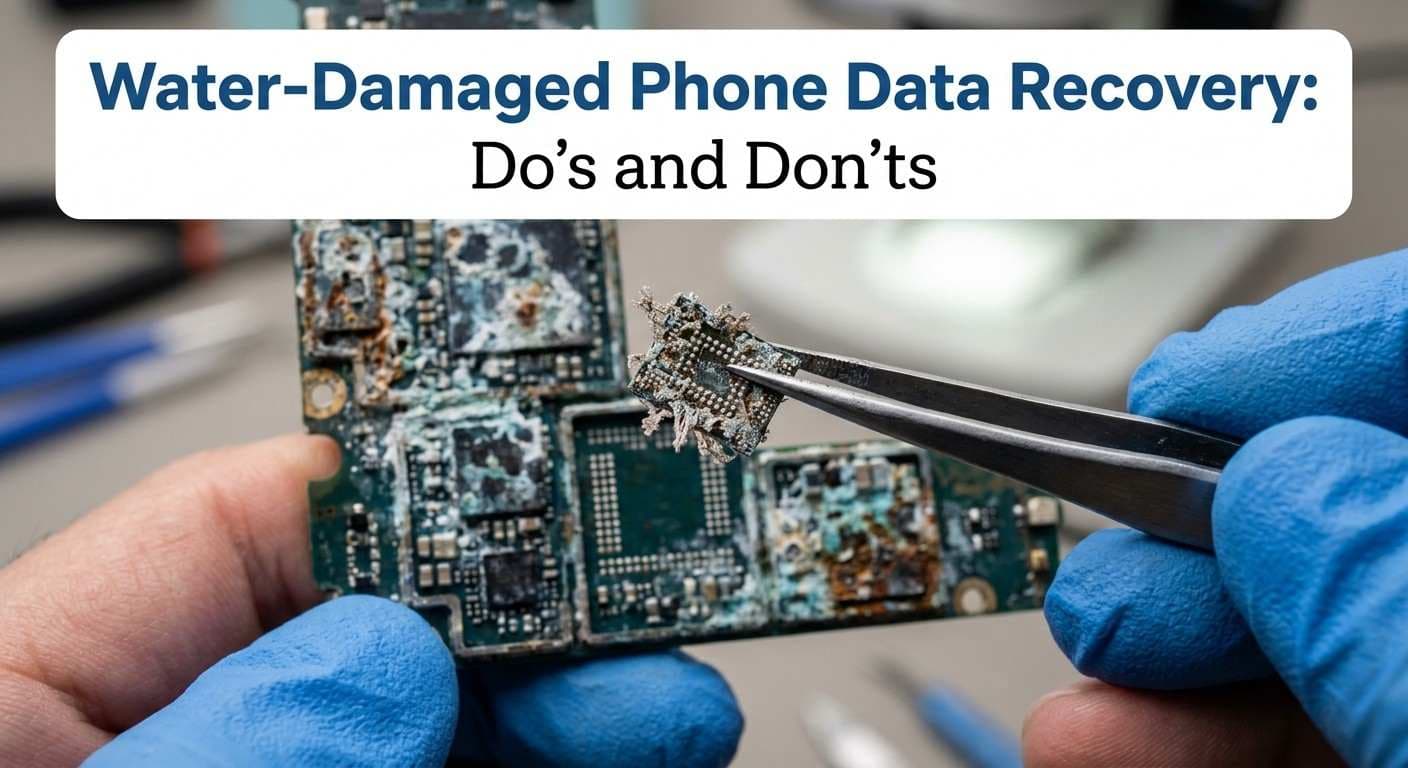
Water-Damaged Phone Data Recovery: What to Do and How to Recover Your Files
Dropping your phone in water can be stressful, especially when it contains important photos, videos, contacts, messages, and personal files. Even a short time in water can affect a phone's internal components and make it difficult to access stored data.
The good news is that data recovery from a water-damaged phone may still be possible. However, success depends on the type of phone, the amount of liquid exposure, and the condition of its internal components.
If your phone will not turn on after getting wet, avoid charging it or repeatedly pressing the power button. Taking the right steps early can help prevent further damage.
Quick Fix Computer Services provides water damage repair in Mountain View, CA, along with professional data recovery services. Our team can assess device damage and help determine the next steps.
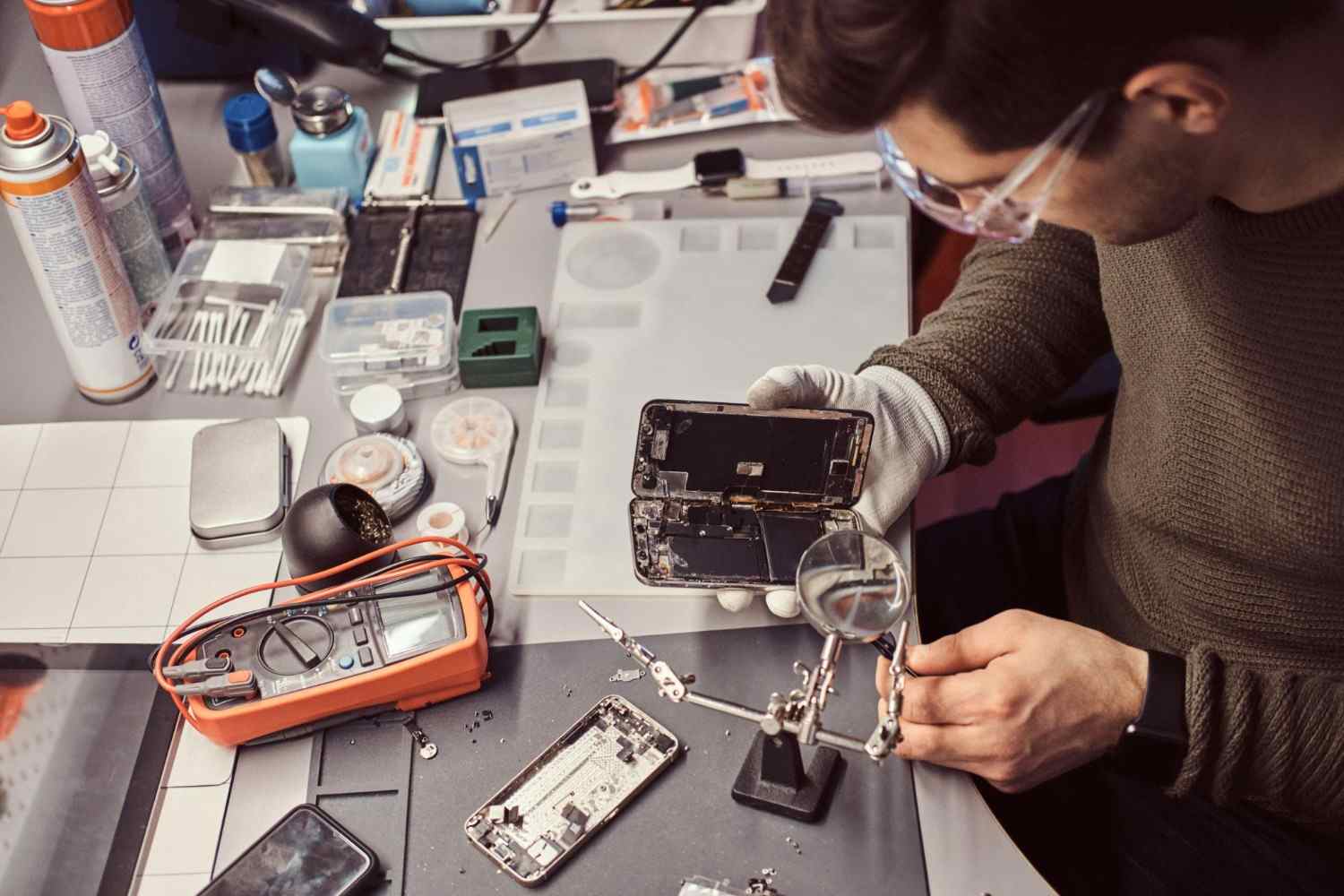
Can You Recover Data from a Water-Damaged Phone?
Yes, data recovery from a water-damaged phone may be possible. However, it depends on the extent of the damage and whether the phone's storage and other important components can still be accessed.
Liquid can damage several parts of a phone, including its charging port, battery connections, motherboard, and internal circuits. This may prevent the device from turning on or connecting to a computer.
However, a phone that does not power on does not always mean its data is permanently lost.
There are two different goals to consider:
Phone repair: Restoring the phone so it can work normally again.
Data recovery: Accessing and retrieving important files stored on the device.
In some cases, a phone may not be suitable for full repair, but recovering its data may still be possible. In other cases, damage to the storage components or encryption-related systems may make recovery difficult or impossible.
A professional inspection can help determine which options are available.
What to Do Immediately After Your Phone Gets Wet
Your actions immediately after water exposure can affect the phone's condition. Avoid testing the device or trying random repair methods.
Follow these steps to reduce the risk of further damage.
1. Turn Off Your Phone
If your phone is still on and you can safely power it down, turn it off. If it has already switched off, do not try to restart it.
Electrical current passing through wet internal components can increase the risk of short circuits and further damage.
2. Do Not Charge Your Phone
Never connect a wet phone to a charger or computer.
Charging can send electricity through components that may still contain moisture. This can make existing damage worse.
Wait until the device has been professionally assessed before attempting to charge it.
3. Remove the Case and Accessories
Take off the phone case and disconnect any attached accessories.
If your phone has a removable SIM card or memory card, remove it only if you can do so safely without forcing anything. Keep these items dry and in a safe place.
Do not open the phone or remove internal components unless you have the proper technical knowledge.
4. Dry the Outside Gently
Use a clean, soft cloth to remove visible water from the phone's exterior.
Pay attention to the surface around the charging port and buttons, but do not push anything into the openings.
Avoid using a hair dryer, heater, or direct sunlight. Heat can damage delicate phone components.
5. Avoid the Rice Method
Putting a wet phone in rice is a common suggestion, but it is not a reliable way to repair liquid damage.
Rice cannot remove moisture or corrosion from internal components. Small particles may also enter openings and cause additional problems.
Instead, keep the device powered off and arrange a professional assessment.
6. Seek Professional Help
If your phone contains important data, avoid repeated attempts to turn it on.
A technician can inspect the device, check for signs of liquid damage, and explain possible repair or recovery options.
The sooner the damage is assessed, the sooner you can understand what steps may be appropriate.
Why Water Damage Can Cause Phone Data Loss
Modern smartphones contain several connected components that work together to store, process, and access information.
When liquid enters a phone, it can affect these components in different ways.
Here are some common problems associated with water damage.
Corrosion on Internal Components
Moisture can cause corrosion on metal connections and circuit board components. Over time, corrosion may interfere with the electrical connections needed for the phone to operate.
Short Circuits
Water and other liquids can create unwanted electrical paths between components. If the phone receives power while these areas are wet, short circuits may occur.
Motherboard Damage
The motherboard connects many of the phone's main components. Damage to this board can prevent the device from starting or accessing its internal storage.
Charging and Power Problems
Liquid exposure can damage the charging port, battery connections, or power-related circuits. As a result, the phone may not charge or turn on.
Internal Storage Access Problems
The phone may contain important data even when it cannot start normally. However, retrieving that data can be difficult if the components needed to access storage are damaged.
This is why water-damaged phone data recovery requires careful assessment rather than repeated attempts to power on the device.
What Types of Data Can Be Recovered from a Water-Damaged Phone?
The type of data that may be recoverable depends on the phone's condition, storage system, and available backups.
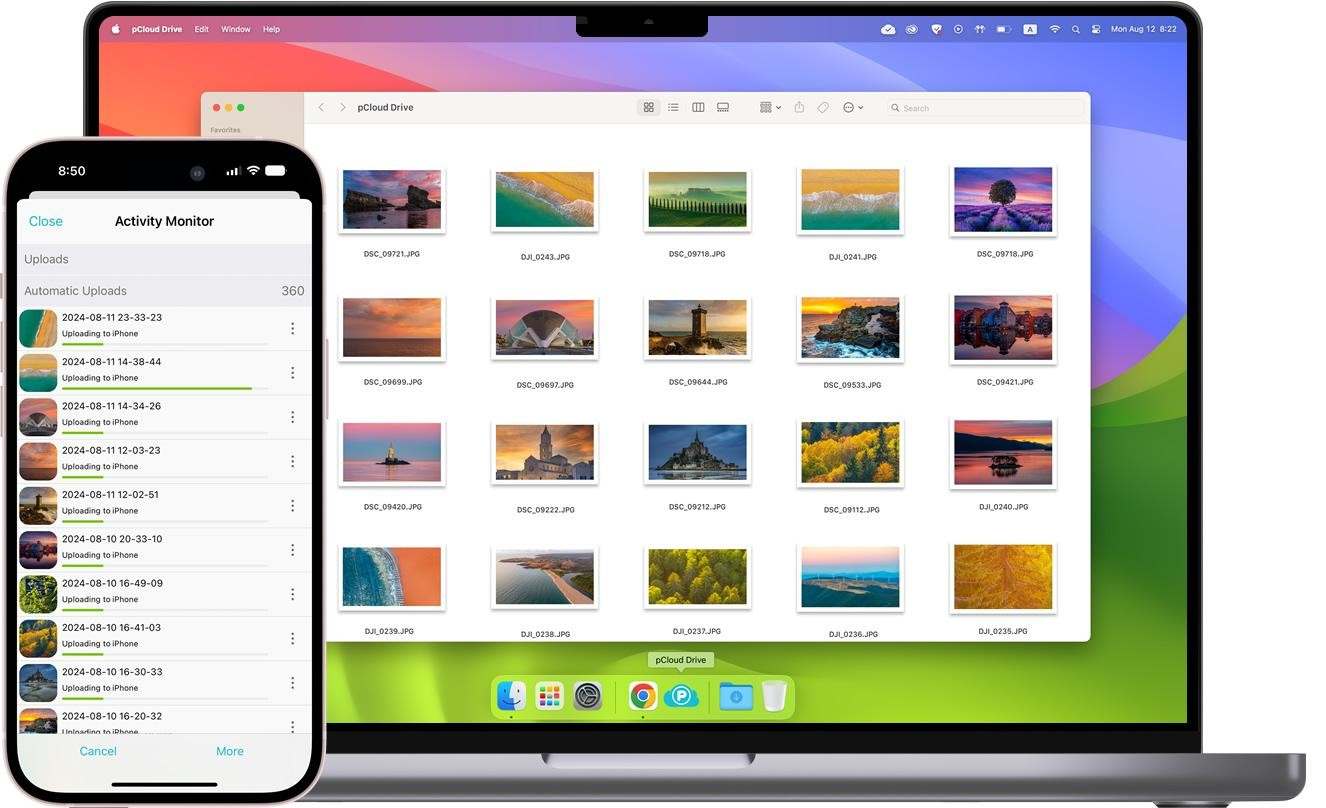
Common types of data people want to recover include:
Photos and videos: Personal memories, work images, and recordings.
Contacts: Saved phone numbers and contact details.
Messages: Text messages and other locally stored conversations.
Documents: PDFs, downloaded files, and work documents.
Notes: Saved reminders, personal notes, and other information.
Other stored files: Files saved in supported applications or local storage.
Not every file can be recovered from every damaged phone.
For example, some information may already be backed up to a cloud account. Other files may exist only on the damaged device.
Before attempting recovery, check whether your information is available through an existing backup. This may help you restore important files without further handling the damaged phone.
How Does Professional Water-Damaged Phone Data Recovery Work?
Professional data recovery starts with understanding the device's condition. The recovery process varies depending on the phone model, the type of liquid exposure, and the extent of internal damage.
A typical assessment may involve the following steps.
Step 1: Device Inspection
The technician examines the phone for visible signs of liquid exposure and damage.
This helps identify possible problems with the charging port, battery connections, motherboard, and other components.
Step 2: Damage Assessment
The next step is to assess which components may be affected.
The technician considers whether the phone can be safely powered, whether internal connections are damaged, and whether the storage system may still be accessible.
Step 3: Cleaning and Component Repair
Where appropriate, affected components may require professional cleaning or repair.
The purpose is to address damage that may prevent the phone from operating or allow access to stored information.
The exact work depends on the device. Cleaning alone does not guarantee that the phone or its data can be recovered.
Step 4: Testing and Storage Access
After the necessary assessment or repair work, the technician determines whether the phone can safely operate and whether its stored data can be accessed.
Modern smartphones may use encryption and security features that link data access to the original device and its credentials. This can affect the recovery options available.
Step 5: Data Recovery Assessment
If the data can be accessed, the technician can discuss possible ways to retrieve the available files.
The final result depends on the device's condition and the recovery method that is technically possible.
Important: No professional service can guarantee that every water-damaged phone or every stored file will be recoverable. A proper assessment helps set realistic expectations before further work begins.
What Affects the Success of Phone Data Recovery?
Not every water-damaged phone has the same recovery options. Several factors can affect the outcome.
1. Amount of Liquid Exposure
A brief splash may cause less damage than a phone that has been fully submerged. However, even a small amount of liquid can reach sensitive components.
2. Type of Liquid
Fresh water, salt water, and other liquids can affect electronics differently. Liquids containing salts or other substances may leave residue that contributes to corrosion.
3. Time Since Exposure
The time between water exposure and professional assessment can matter. Moisture and corrosion may continue to affect internal components.
4. Attempts to Charge or Restart the Phone
Trying to charge or repeatedly power on a wet phone may increase the risk of electrical damage.
This is why it is important to avoid testing the device before it has been checked.
5. Condition of the Internal Storage
The phone's storage system and the components needed to access it play an important role in recovery.
If critical components are severely damaged, retrieving the stored data may be difficult or impossible.
6. Existing Backups
Cloud backups and computer backups can provide another way to restore important information.
If your photos, contacts, or documents were already synced, you may be able to access them through your account on another trusted device.
Can You Recover Data Without Repairing the Phone?
Sometimes, yes. Data recovery and full phone repair are two different services.
A phone may have problems with its display, charging system, or other components while its stored data remains accessible through an appropriate repair or recovery process.
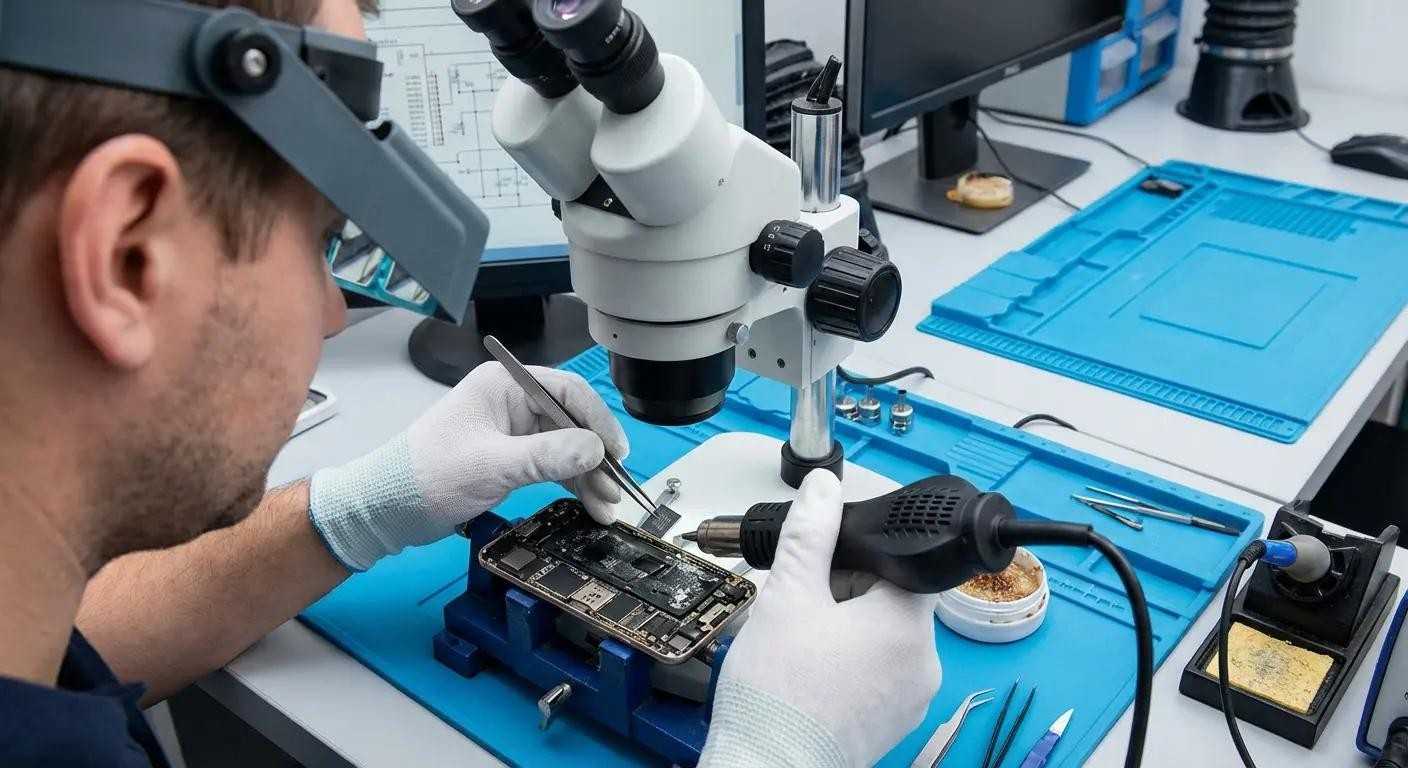
In some cases, technicians may be able to address the specific problem preventing access to the data without restoring every phone function.
However, modern smartphones often use encryption. This means data access may depend on the original device, its security systems, and the correct passcode or account credentials.
If the storage or essential security components are severely damaged, recovery may not be possible.
If your main priority is retrieving important photos, contacts, or documents, tell the technician before work begins. This helps make data preservation part of the assessment.
Water-Damaged Phone Data Recovery in Mountain View, CA
If your phone has been exposed to water and you cannot access your files, professional assistance can help you understand your options.
Quick Fix Computer Services provides water damage repair and data recovery services in Mountain View, California.
Our team can assess liquid-damaged devices, investigate possible hardware problems, and discuss suitable next steps.
We also provide support for customers in nearby Bay Area communities, including:
Mountain View
Palo Alto
Sunnyvale
Cupertino
San Jose
Menlo Park
Whether your phone will not turn on, has charging problems, or contains files you cannot access, a professional assessment is a useful first step.
Explore our related services:
Contact Quick Fix Computer Services
Address: 1398 W El Camino Real E, Suite E, Mountain View, CA 94040
Phone: (650) 968-2400
Website: quickfixba.com
You can also schedule a repair or use the contact page to discuss your device.
Frequently Asked Questions About Water-Damaged Phone Data Recovery
1. Can data be recovered from a water-damaged phone?
Yes, recovery may be possible. It depends on the extent of liquid damage and whether the phone's storage and essential components can still be accessed. A professional assessment can help determine the available options.
2. Can I recover photos from a phone that will not turn on?
Possibly. A phone that will not turn on may still contain stored photos and other files. However, retrieving them depends on the condition of its internal components, storage system, and security features.
3. Should I charge my phone after water damage?
No. Do not charge a phone that may still contain moisture. Charging can increase the risk of short circuits and further damage. Keep the phone powered off and seek professional advice.
4. Does putting a water-damaged phone in rice work?
Rice is not a reliable way to repair a water-damaged phone. It cannot remove internal corrosion or repair damaged components. Keep the phone powered off and arrange a professional inspection instead.
5. How long should I wait before turning on a wet phone?
There is no fixed waiting time that guarantees a wet phone is safe to power on. Moisture may remain inside even when the outside feels dry. Have the phone assessed before attempting to turn it on or charge it.
6. Can a phone be repaired without losing its data?
In some cases, yes. However, repair work can carry a risk of data loss, especially when the motherboard or storage system is damaged. Tell your technician that preserving your data is a priority before work begins.
7. What happens if water reaches a phone's motherboard?
Liquid can cause corrosion and short circuits on the motherboard. This may prevent the phone from starting or accessing stored files. The recovery options depend on the location and severity of the damage.
8. Can data be recovered from an iPhone after water damage?
It may be possible, depending on the condition of the iPhone, its storage and security systems, and whether a backup is available. Check iCloud or another existing backup before attempting further recovery.
9. Can data be recovered from a water-damaged Samsung phone?
Yes, it may be possible, but the result depends on the phone model and the extent of the damage. Check whether your files are available through an existing Samsung, Google, or computer backup.
10. Where can I get water-damaged phone data recovery in Mountain View, CA?
Quick Fix Computer Services offers water damage repair and data recovery services in Mountain View, California. Visit Quick Fix's data recovery page or call (650) 968-2400 to discuss your device.
Protect Your Phone and Your Important Data
Water damage does not always mean your photos, contacts, and files are permanently lost. However, the steps you take after exposure can affect your recovery options.
Turn off the device, avoid charging it, and do not use heat or rice as a repair method. If your files are important, arrange a professional assessment before trying to restart the phone.
If you need help with a water-damaged phone, contact Quick Fix Computer Services in Mountain View, CA.
Our team can assess the device and help you understand the available repair and data recovery options.
Call (650) 968-2400 or schedule a repair today.
Need Help?
Our technicians are here to help with any tech issue. Free diagnostics on all repairs.
Schedule a Repair