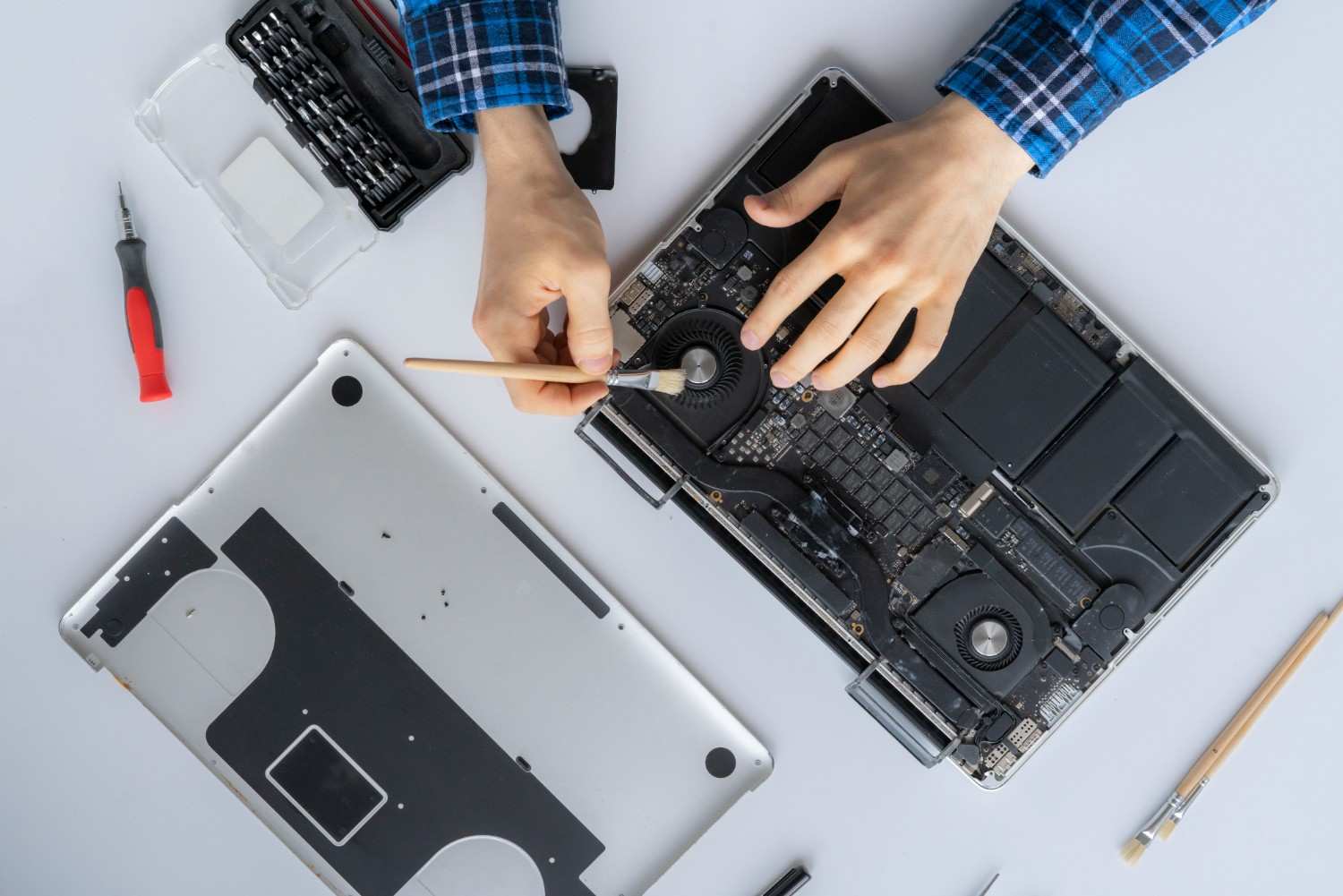
Why Is My Computer So Slow? Causes, Solutions, and Long-Term Fixes
A slow computer is one of the most common technical frustrations faced by both home users and businesses. What once felt fast and responsive gradually becomes sluggish.
Applications take longer to open, the system freezes during simple tasks, and even browsing the internet feels delayed.
The good news is that most slow computer problems are identifiable and fixable. In many cases, performance can be restored without replacing the device.
This guide explains the most common causes of a computer running slow and provides practical, effective solutions to help restore system performance.
Restarting: The Most Overlooked Performance Fix
Many users leave their computers in sleep mode for days or weeks without performing a full restart. While convenient, this habit allows background processes and temporary files to build up in memory.
Performing a full shutdown and restart clears temporary memory, resets system processes, and installs pending updates. In many cases, a simple restart significantly improves performance.
For optimal performance, restarting your computer at least once a week is recommended.
Quick Fix
Restart your computer weekly
Remove unnecessary browser extensions
Uninstall unused programs
Disable auto-launching services
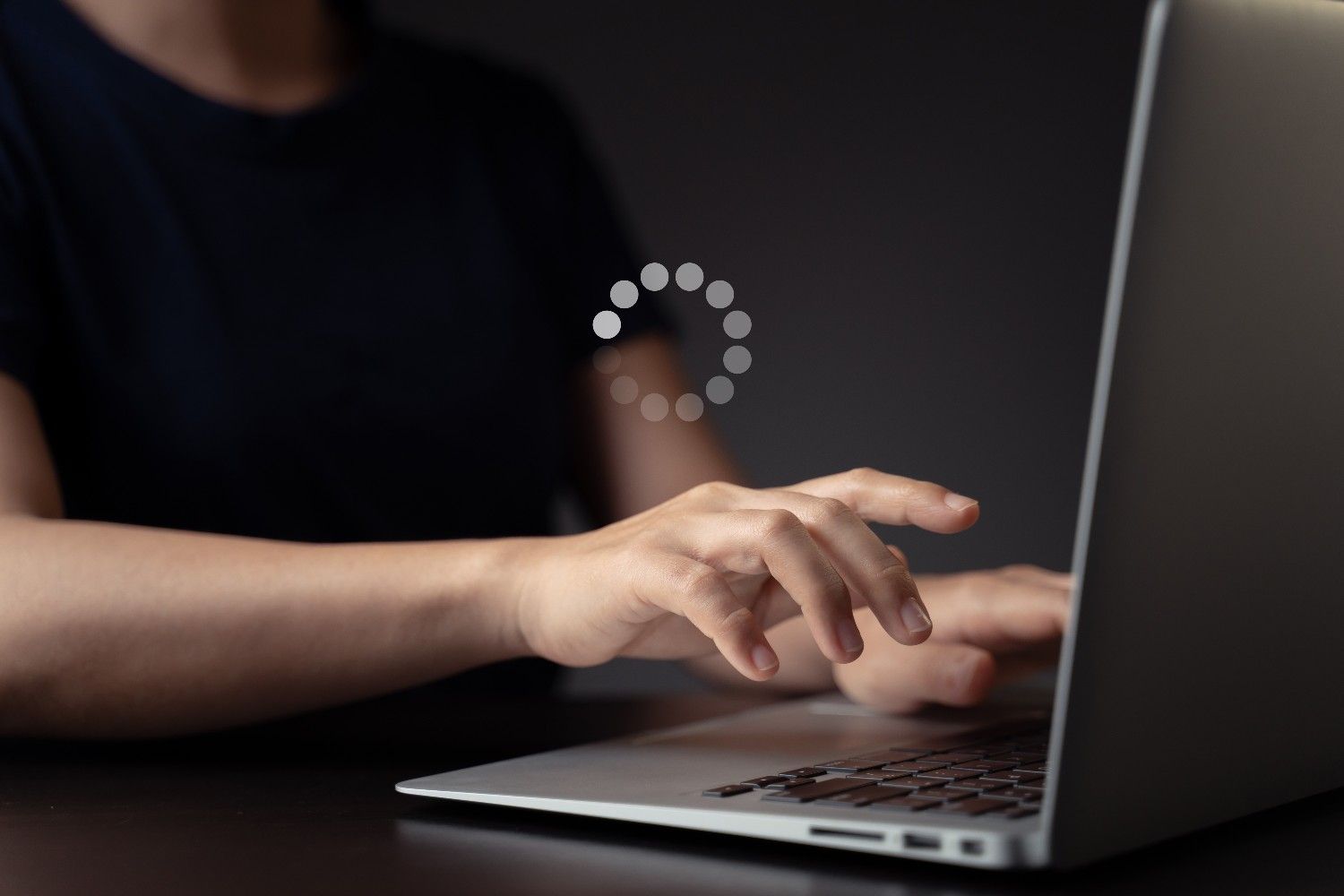
Startup Programs and Boot-Time Overload
If your computer takes several minutes before it becomes usable, startup programs are likely contributing to the slowdown.
Too many applications launching automatically during startup can overload system resources and delay boot time.
Windows: Open Task Manager → Startup tab → Disable unnecessary apps
Mac: Go to System Settings → Login Items → Remove unused apps
Insufficient Storage Space and Disk Performance
Storage capacity directly affects system performance. When a hard drive approaches full capacity, the operating system struggles to manage temporary files and virtual memory efficiently.
Common Symptoms
Slow application loading
Delayed file transfers
System lag during multitasking
Reduced overall responsiveness
Deleting unnecessary files and clearing temporary data can help free up space.
Maintaining at least 20% free disk space allows your system to function efficiently.
HDD vs SSD: One of the Biggest Performance Differences
One of the most common reasons computers run slow is outdated storage hardware.
Traditional hard disk drives (HDDs) rely on spinning mechanical disks to read and write data, which is significantly slower than modern solid-state drives (SSDs).
Signs Your Computer May Still Be Using an HDD
Long boot times
Slow application launches
Delayed file access
Noticeable lag during multitasking
Upgrading from an HDD to an SSD is one of the most effective long-term solutions for improving performance. If your system still runs on older storage hardware, upgrading through professional computer repair services can significantly extend your device’s lifespan.
Malware and Hidden Background Threats
Malware remains one of the leading causes of sudden computer slowdowns. Viruses and malicious programs often run silently in the background and consume system resources.
Warning Signs of Malware
Unexpected pop-ups
Browser redirects
High CPU usage when the computer is idle
Unexplained system lag
Running a full antivirus scan is essential if performance declines unexpectedly. Severe infections may require professional viral removal services to completely clean the system.
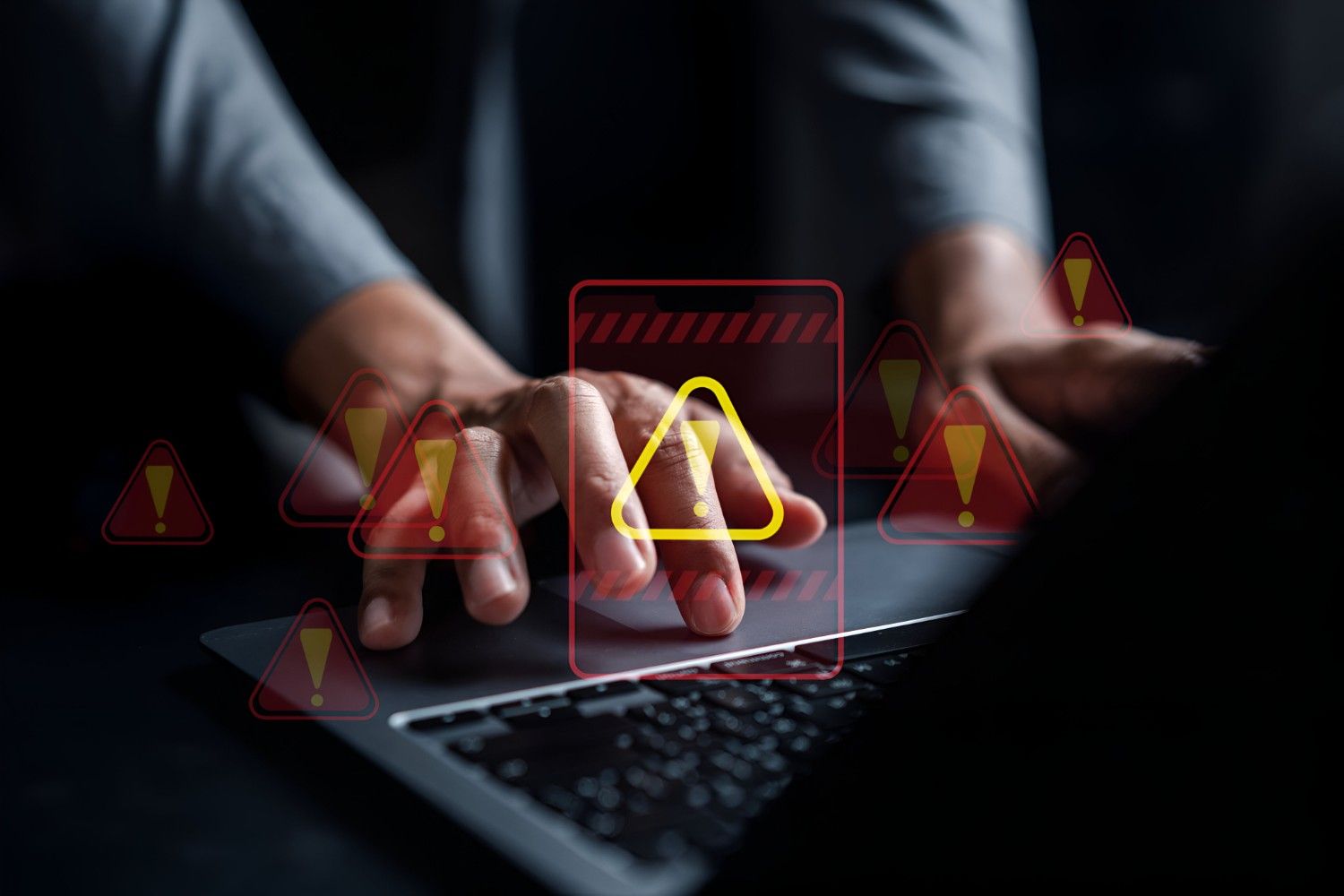
Overheating and Thermal Throttling
Heat significantly impacts computer performance. When internal temperatures exceed safe limits, processors automatically reduce speed to prevent hardware damage.
Common Overheating Signs
Hot laptop surface
Loud fan noise
Slower performance during heavy tasks
Unexpected shutdowns
Cleaning internal components and improving airflow can help resolve overheating problems. Persistent issues may require professional maintenance through laptop repair services.
Outdated Operating Systems and Drivers
Operating system updates and driver updates often include important performance improvements, bug fixes, and security patches.
Running outdated software can create compatibility issues and inefficiencies that reduce system speed.
Keeping your system updated improves stability and protects against security vulnerabilities.
Final Thoughts
A slow computer is not necessarily an obsolete one. Most performance issues stem from resource overload, outdated hardware, insufficient memory, or system maintenance neglect.
Identifying the root cause is the first step toward effective resolution. By managing startup programs, maintaining adequate storage space, upgrading hardware where necessary, and protecting against malware, users can significantly improve performance.
If troubleshooting does not resolve the issue, professional evaluation ensures accurate diagnosis and cost-effective repair solutions.
In many cases, a slow computer simply requires attention, not replacement.
Frequently Asked Questions
Why is my computer so slow all of a sudden?
Sudden slowdowns are often caused by malware infections, recent software installations, system updates running in the background, or failing hardware components.
How can I speed up my computer quickly?
Restarting the system, closing background applications, freeing up storage space, and disabling startup programs are the fastest ways to improve performance.
Is upgrading better than buying a new computer?
In many cases, upgrading storage to an SSD and increasing RAM provides substantial performance improvement at a significantly lower cost than replacement.
Can viruses make a computer slow?
Yes. Malware consumes system resources and can dramatically impact speed and responsiveness.
Need device repair? Visit Quick Fix Computers for a free diagnostic.
Need Help?
Our technicians are here to help with any tech issue. Free diagnostics on all repairs.
Schedule a Repair